
 EN
EN
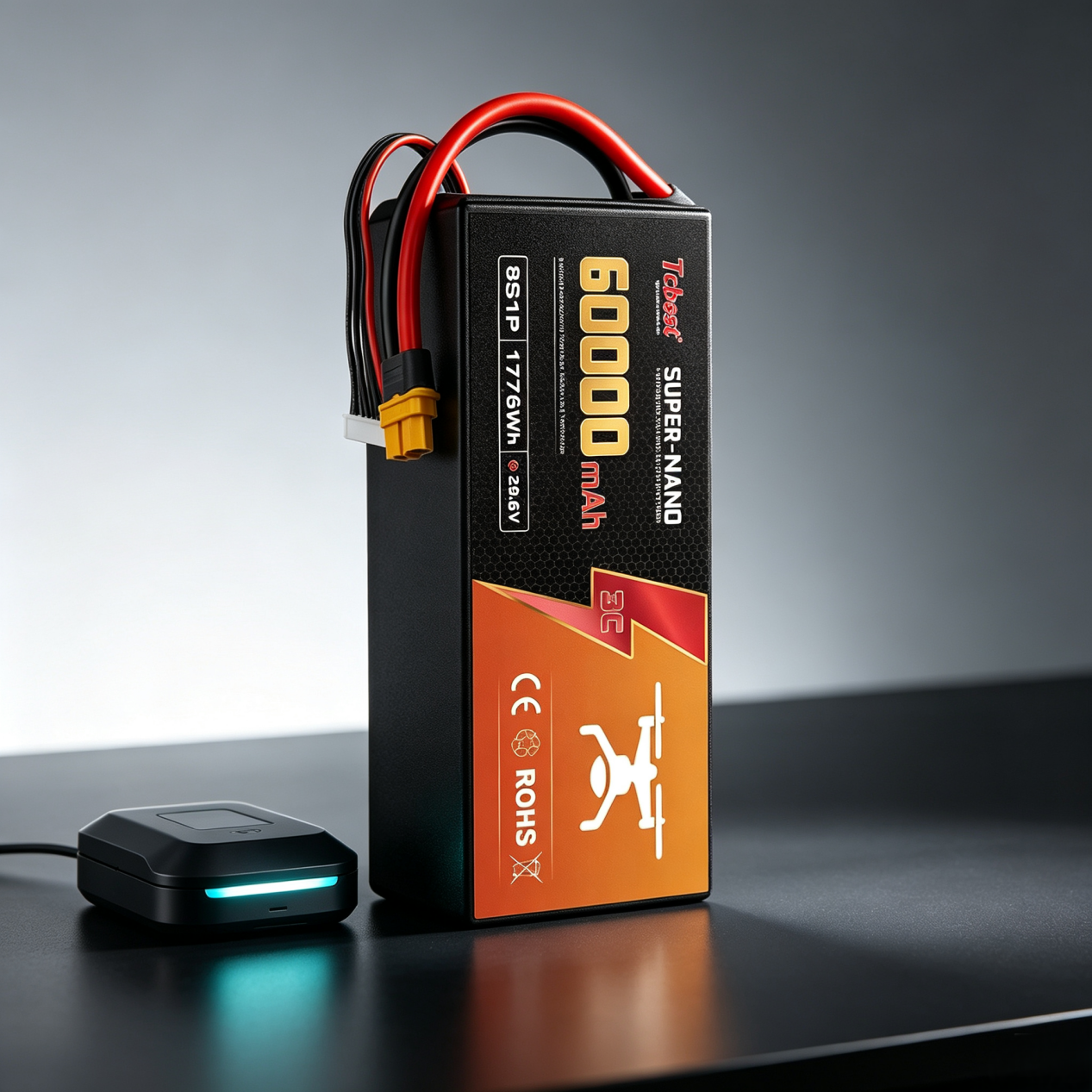
Knowing when your drone battery is fully charged is one of the simplest ways to protect your equipment and improve flight safety. The exact signal depends on the battery and charger, but in most cases you can tell by checking the charger light, the battery indicator, or the battery voltage.
Introduction: Why Proper Charging Matters
Drones are now widely used for aerial photography, mapping, racing, and professional operations. In all of these uses, battery health directly affects flight performance, safety, and how long the battery lasts.
Proper charging is not just about getting power into the battery. It also helps prevent overheating, reduces wear on the battery, and lowers the chance of accidents. If you charge your drone battery correctly, you can fly longer and replace batteries less often.
Understanding Your Drone Battery
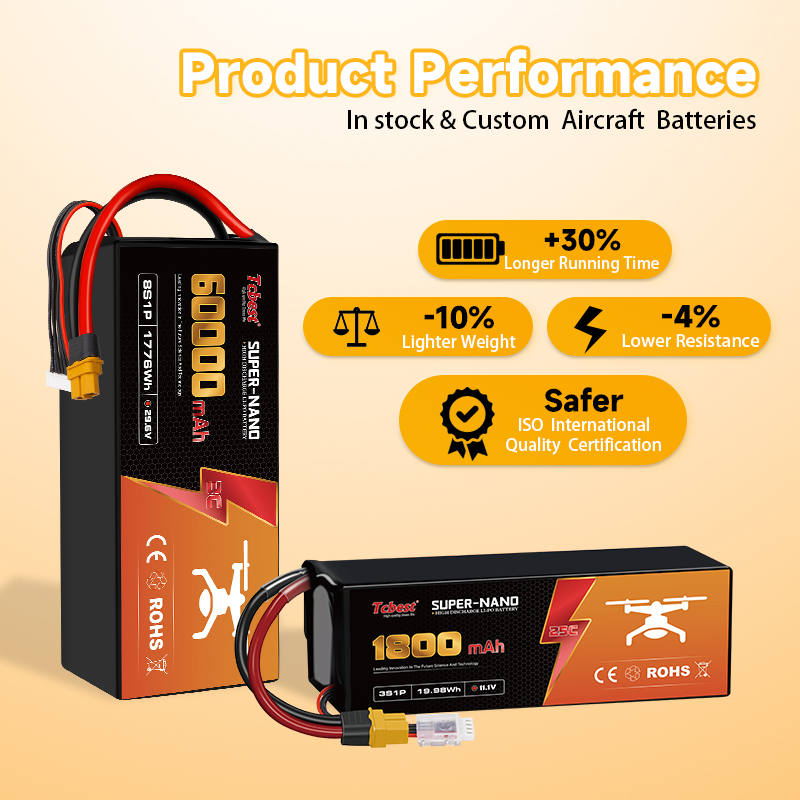
Most modern drones use Lithium Polymer, or LiPo, batteries. These batteries are popular because they are lightweight, deliver strong power output, and store a lot of energy for their size.
That same high performance also means they need careful handling. LiPo batteries can be damaged by overcharging, over-discharging, physical impact, or poor storage. If they are not treated correctly, they may lose capacity faster or become unsafe to use.
Before charging, always check the battery specifications in the manufacturer’s instructions. You should know the battery voltage, capacity, battery type, and the charging requirements. A battery that works in one drone may not be safe to charge the same way in another.
How to Charge a Drone Battery Correctly
The safest approach is to use the recommended charger from the drone manufacturer or a fully compatible high-quality replacement. Chargers that do not match the battery can cause overheating, charging failure, or permanent battery damage.
Before charging, inspect the battery carefully. Do not charge a battery that is swollen, cracked, leaking, or otherwise damaged. Also make sure the connectors are clean and the battery is connected correctly.
Charge the battery in a well-ventilated, non-flammable location. A hard surface such as tile, concrete, or a fire-resistant charging bag is a safer choice than a bed, couch, or carpeted floor. Never leave batteries unattended while charging.
Avoid overcharging whenever possible. Overcharging can shorten battery lifespan and create safety risks. Smart chargers usually stop automatically when the battery is full, while manual chargers require more attention and should be disconnected once charging is complete.
After charging, store the battery properly if you do not plan to use it soon. For long-term storage, keep it at about 50 to 60 percent charge, in a cool, dry place, away from direct sunlight and metal objects.
How to Know When a Drone Battery Is Fully Charged
There are several common ways to tell when a drone battery is done charging. The best method depends on the battery system your drone uses.
LED Indicators
Many drone batteries and chargers use LED lights to show charging status. The light may change color, blink differently, or turn off when the battery is fully charged.
For example, a red light may mean charging is in progress, while a green light may mean the battery is full. Some systems use a sequence of blinking lights to show the battery’s progress. Check your user manual, because the meaning of the lights can vary by brand.
Battery Management System
Smart batteries often include a Battery Management System, or BMS. This system monitors battery status, helps regulate charging, and improves safety during use.
A BMS can also give you more detailed information, such as remaining capacity, voltage balance, or battery health. In some drone systems, the BMS communicates directly with the app or controller, making it easier to know when charging is complete.
Charger Indicators
Many intelligent chargers provide clearer charging information than basic lights alone. Some have screens that show charge percentage, voltage, charging current, or estimated time remaining.
Others may give an audio alert when charging is finished. If your charger has a display, it is often the most reliable and easy-to-read source of charging status. Again, use the manufacturer’s guidance to interpret the indicators correctly.
Voltage Checking
If you want a more technical method, you can measure battery voltage with a multimeter. This is especially useful if you are troubleshooting battery problems or want to check battery condition manually.
A fully charged 4S LiPo battery reaches about 16.8 volts total, or about 4.2 volts per cell. If the voltage is lower than expected, the battery may not be fully charged, may be aging, or may have a balancing issue. Voltage checking is a useful backup method, but it should be used carefully and only if you are comfortable handling batteries safely.
Charging Without the Right Charger
Charging a drone battery without the proper charger is not recommended. The risks include battery damage, fire, and even explosion in severe cases.
In some emergency situations, small consumer drones may support USB charging. In those cases, a power bank, laptop, or car adapter may work if the drone is designed for it. However, USB charging is usually slower and is only appropriate for certain models.
Solar charging can also be used in portable or emergency situations, but it is much slower than normal charging. It may help when you are away from power, but it is not ideal for regular use.
An adjustable power supply can also charge some batteries, but this method requires correct voltage and current settings and a solid understanding of battery specifications. If the settings are wrong, the battery can be damaged very quickly. For most users, the safest solution is simply to use the proper replacement charger.
Why a Drone Battery May Not Charge
If your battery is not charging, there are several possible causes. A damaged battery is one of the most common. Physical impact, age, improper storage, swelling, or leakage can all interfere with charging.
Another issue is over-discharge. If the battery voltage falls too low, some chargers may no longer recognize it. This can happen when a battery is left unused for too long or completely drained during flight.
Battery aging is also important. Every charge cycle slowly reduces battery capacity, so older batteries may charge poorly or hold less power than they used to. If the battery has reached the end of its useful life, replacement may be the only reliable fix.
The charger itself may be the problem. A faulty charger, incompatible charger, or incorrect charging settings can all stop charging from working correctly. It is also worth checking the ports and connectors for dirt, bent pins, or damage.
In some cases, the problem is related to software or the battery management system. Firmware issues may prevent charging, or the smart battery may enter a protection mode for safety. Temperature can also matter: batteries that are too hot or too cold may refuse to charge until they return to a safe range.
What Happens When a Drone Battery Dies
If a drone battery dies during flight, the drone may automatically land, trigger a return-to-home feature, or perform an emergency landing. These safety systems are meant to reduce the risk of a crash, but they are not a substitute for proper battery management.
A complete battery discharge can cause sudden power loss, a crash, permanent battery damage, and a much shorter battery lifespan. Lithium batteries especially do not like being drained completely.
To prevent this, it is smart to land when the battery reaches around 20 to 30 percent. That gives you enough reserve power to avoid a risky emergency descent and helps protect the battery from deep discharge.
Why a Drone Battery Dies Fast
If your drone battery seems to drain too quickly, the cause may not be a defect. Battery aging is a very common reason, especially if the battery has been used for many cycles.
Cold weather can also reduce runtime because batteries work less efficiently at low temperatures. Heavy payloads, such as large cameras or accessories, force the battery to work harder. Aggressive flying style, like rapid acceleration and frequent high-speed movement, also uses more energy.
Poor charging habits and bad storage conditions can reduce battery performance over time. If you store batteries fully charged for long periods or leave them in extreme heat, they may lose capacity faster than expected.
Tips to Extend Drone Battery Life
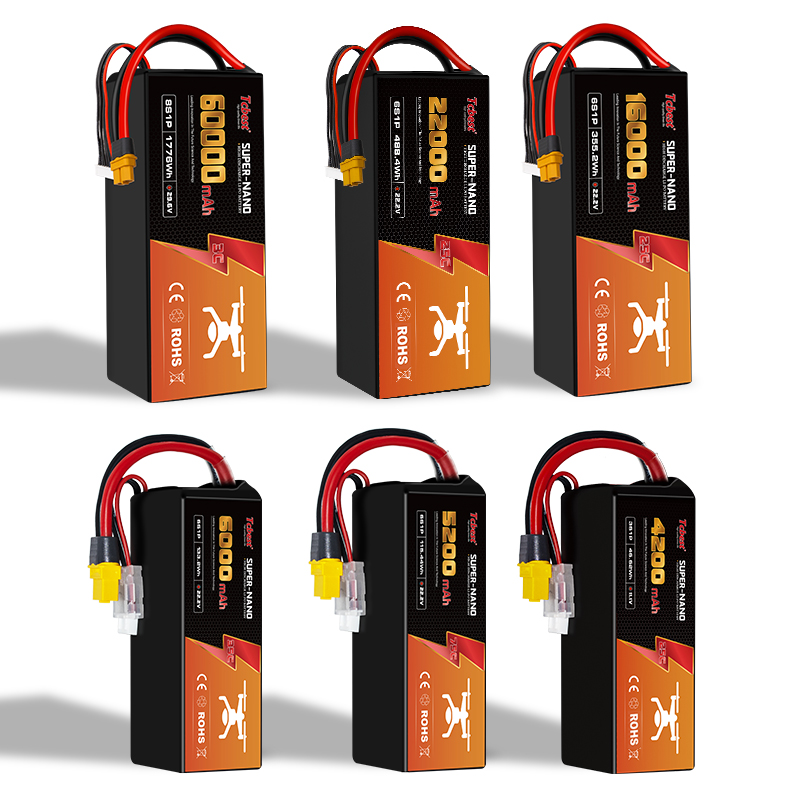
Good storage habits make a big difference. Keep batteries at room temperature, around 40 to 60 percent charge, and away from moisture and heat.
Avoid letting the battery drain completely. Recharge it before it becomes fully empty, especially after long flights. Deep discharge can shorten battery life and make charging problems more likely.
Use quality chargers whenever possible. Original chargers or reputable compatible chargers are safer and more reliable than cheap generic options.
Keep your drone’s firmware and battery management system updated if the manufacturer provides updates. These updates can improve charging performance, safety behavior, and battery communication.
Inspect your batteries regularly. Look for swelling, leakage, cracks, or other signs of physical damage. If a battery looks abnormal, stop using it and replace it.
After flying, allow the battery to cool before charging. Charging a hot battery can reduce its lifespan and increase safety risks.
Final Thoughts
The easiest way to know when a drone battery is fully charged is to look for the charger’s indicator light, battery status display, or app notification. If needed, you can also confirm the charge with a voltage reading.
Safe charging practices matter just as much as knowing when the battery is full. Using the correct charger, avoiding overcharging, storing batteries properly, and replacing damaged units will help your drone perform better and last longer.
Conclusion
Proper drone battery charging and maintenance are essential for safe and reliable flight. When you understand your battery type, recognize full-charge signals, and follow correct charging habits, you reduce the risk of failure and extend battery life.
Advanced batteries with BMS technology can make charging easier by providing real-time monitoring and better safety control. In the end, good battery care improves energy efficiency, flight time, and overall drone performance.
If you want, I can also turn this into:
1. a more polished SEO blog article,
2. a beginner-friendly version, or
3. a version with headings, intro, and conclusion optimized for publishing.
Learn how to know when your drone battery is fully charged and how to charge it safely. This guide explains LED indicators, BMS monitoring, charger signals, voltage checking methods, common charging problems, and battery maintenance tips to improve drone performance, extend battery lifespan, and ensure safer flights.
Table of Contents
- Introduction: Why Proper Charging Matters
- Understanding Your Drone Battery
- How to Charge a Drone Battery Correctly
- How to Know When a Drone Battery Is Fully Charged
- LED Indicators
- Battery Management System
- Charger Indicators
- Voltage Checking
- Charging Without the Right Charger
- Why a Drone Battery May Not Charge
- What Happens When a Drone Battery Dies
- Why a Drone Battery Dies Fast
- Tips to Extend Drone Battery Life
- Final Thoughts
- Conclusion