
 EN
EN
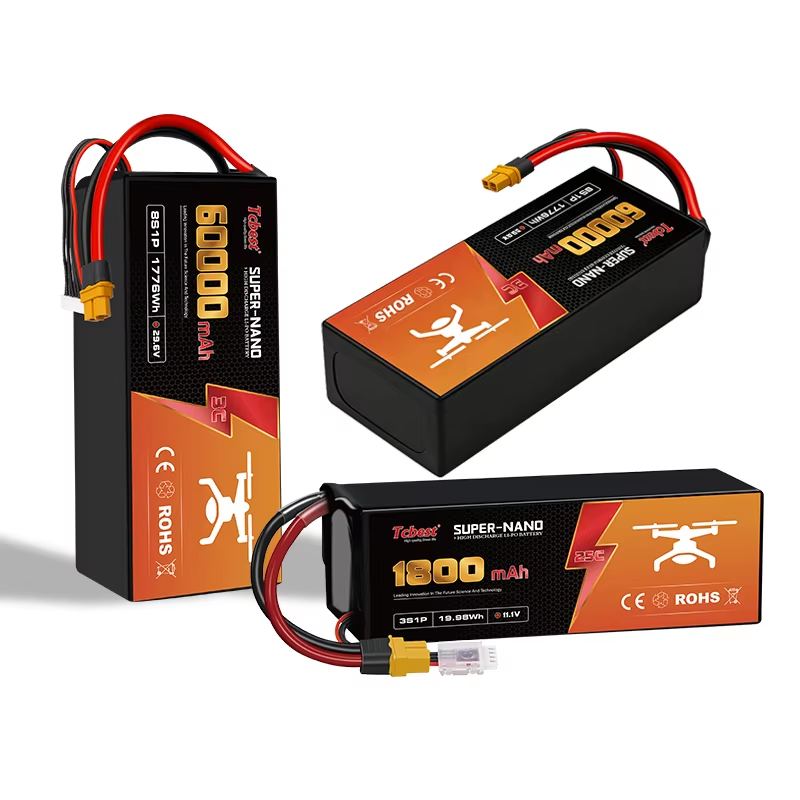
My Drone Battery Won’t Charge: What Should I Do?
Introduction
A drone battery is the key power source that supports the motors, flight controller, camera, and other electronic components. When a drone battery cannot charge properly, it may prevent the drone from starting, reduce flight performance, or create safety risks.
Most drones use lithium-based batteries, especially lithium-ion and lithium polymer (LiPo) batteries. These batteries are popular because they are lightweight, energy-dense, rechargeable, and provide stable power output.
However, drone batteries require proper charging methods, suitable temperatures, and correct storage conditions. When a battery suddenly stops charging, the problem may come from the battery itself, charging equipment, connectors, temperature conditions, or long-term storage.
This guide explains the common reasons why a drone battery will not charge and how to safely troubleshoot the problem.
How to Diagnose Drone Battery Problems
Before replacing your drone battery, check the entire charging system. Sometimes the battery is not the real problem. A damaged charger, loose connection, or unsuitable environment may prevent normal charging.
Never open or repair a lithium battery pack yourself. Drone batteries contain high-energy cells and protection circuits. Incorrect repairs may cause short circuits, overheating, fire, or permanent damage.
If the battery is swollen, leaking, damaged, or produces an unusual smell, stop using it immediately and replace it safely.
Check the Battery Connections
A poor connection is one of the most common reasons a drone battery cannot charge.
When battery terminals cannot make proper contact, the drone or charger may fail to recognize the battery. Loose connections can also cause sudden power loss during flight.
How to Check Battery Connections
First, turn off the drone and remove the battery carefully.
Inspect the battery connectors and charging contacts for:
Dust or dirt
Bent pins
Corrosion
Burn marks
Physical damage
Loose components
Make sure the battery is installed correctly and fits securely inside the drone. A battery that is not fully connected may appear normal but fail to provide stable power.
Common Signs of Connection Problems
A connection issue may cause:
Drone cannot turn on
Charger does not detect the battery
Charging starts and stops repeatedly
Battery warning appears in the drone app
Unexpected power loss during flight
Solutions
Clean connectors gently with a dry cloth or soft brush. Avoid using metal tools because they may cause a short circuit.
If the connector is damaged, burned, or loose, stop using the battery and contact the manufacturer or replace the battery.
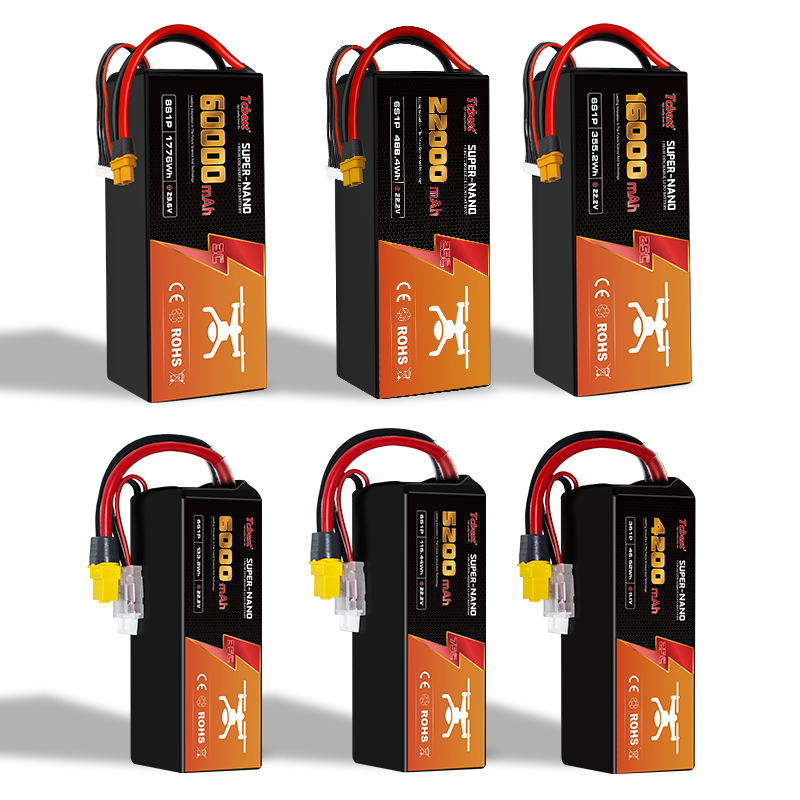
Check How Your Drone Battery Is Charging
Drone batteries are usually charged in two ways:
Charging directly through the drone
Charging with a separate battery charger or charging hub
The troubleshooting steps depend on the charging method.
Before charging, always confirm that the charger matches the battery voltage, connector type, and charging requirements.
Troubleshooting Charging Through the Drone
If your battery charges while installed in the drone, check the complete charging system:
Power outlet
Charging adapter
USB cable
Drone charging port
Try another compatible cable or adapter if available.
Check the charging port for dust, damage, or loose parts. Do not force the charging connector.
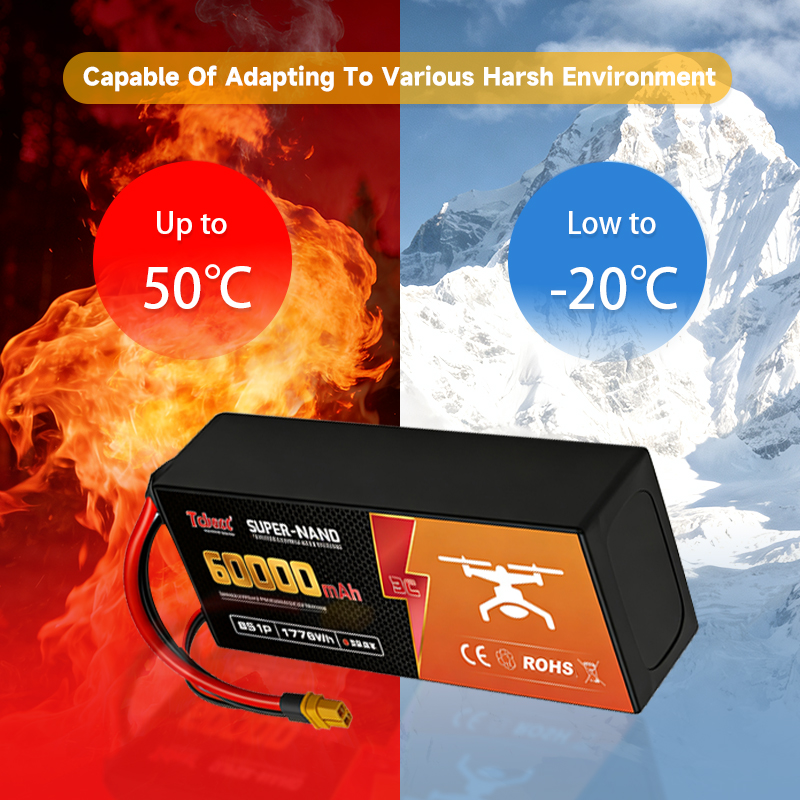
Temperature can also affect charging. If the battery is too hot after a flight, allow it to cool before
charging. Many intelligent batteries automatically stop charging when the temperature is outside the safe range.
You should also check whether the drone firmware and battery software need updates, as some charging problems are related to communication between the battery and the drone.
Learn why your drone battery won’t charge and how to fix common charging problems. This guide covers battery connection checks, charger troubleshooting, temperature issues, low voltage protection, and proper storage methods. Follow these tips to maintain lithium drone batteries, extend battery life, and improve flight safety and reliability.