
 EN
EN
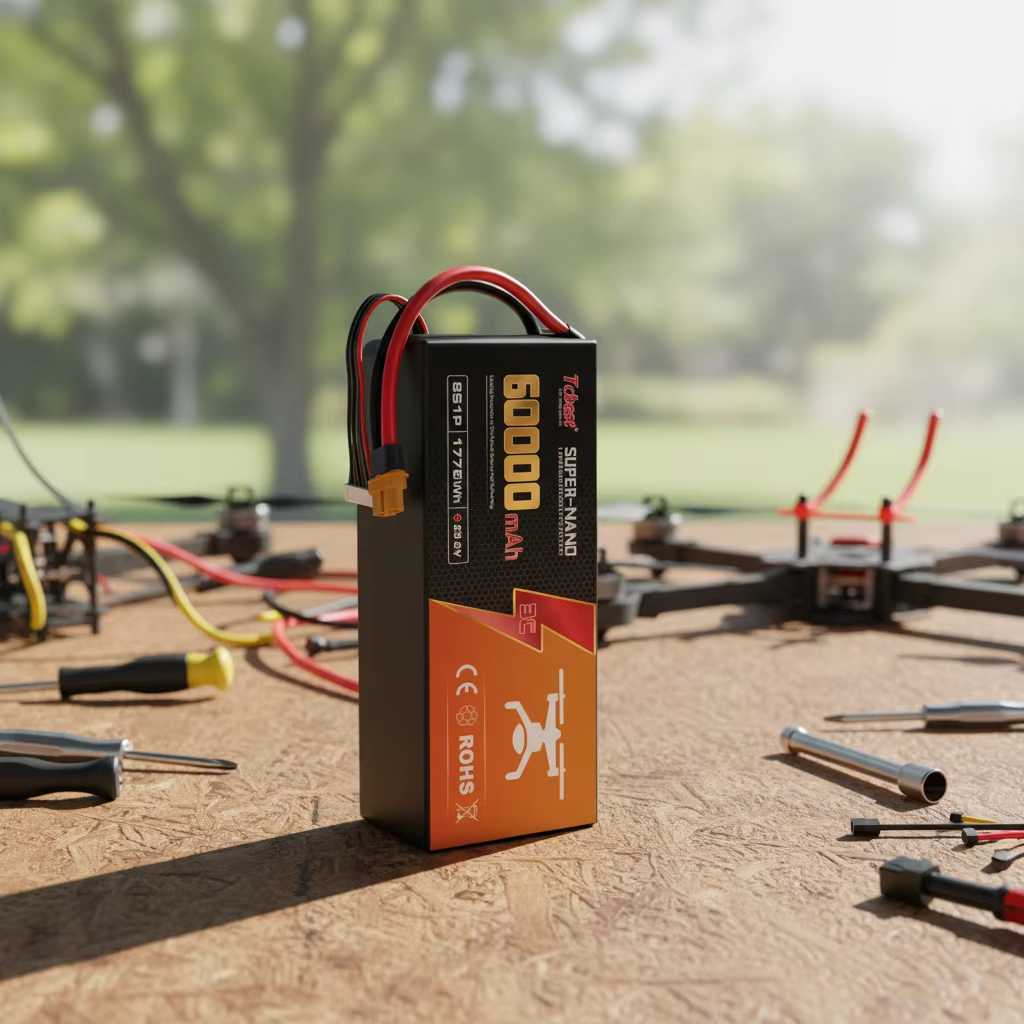
Introduction
Nowadays, drones have become common equipment for aerial photography enthusiasts, industrial surveyors, agricultural operators, and FPV racers. Regardless of the type of mission, battery performance directly determines flight duration and operational safety. Improper charging habits can cause permanent capacity degradation, battery swelling, or even fires. This complete guide covers standard charging procedures, full-charge judgment methods, emergency charging solutions, troubleshooting, and battery maintenance tips – helping you maximize battery service life while avoiding safety accidents.
1. Drone Battery Basics
The vast majority of consumer and industrial drones use lithium polymer (LiPo) batteries, which are widely adopted due to their lightweight design and high energy density. Some long-endurance industrial drones are equipped with semi-solid NMC (Nickel Manganese Cobalt) lithium batteries to achieve longer cycle life.
Lithium-based drone batteries are chemically sensitive. Unlike ordinary dry batteries, LiPo batteries require strict control of voltage, current, ambient temperature, and storage charge during charging. Before charging, be sure to consult the drone's official manual to confirm the cell count, standard charging voltage, and rated charging current.
2. Safe Step-by-Step Standard Charging Process
Step 1: Prepare a compatible professional charger
Only use the original charger that came with the drone or a certified high-quality smart balance charger. Low-quality mismatched chargers cannot balance the voltage of each cell, which can easily cause overheating and swelling.
Step 2: Inspect the battery condition before charging
Carefully check the battery surface for swelling, punctures, leakage, or burnt terminals. Never charge damaged batteries – they pose a significant fire hazard. If any deformation is found, stop using the battery immediately.
Step 3: Standard charging operation rules
1. Identify the positive and negative terminals, and connect the main power cable and balance cable to the charger correctly.
2. Place the battery on a flat, well-ventilated, non-flammable surface, such as a tile floor or a LiPo fireproof storage bag.
3. Start charging and monitor the process at all times. Never leave batteries charging unattended overnight.
Step 4: Prevent overcharging
Smart chargers will automatically cut off power once the battery reaches full voltage. If using an adjustable DC power supply for manual charging, measure cell voltage regularly and disconnect the battery immediately after it is fully charged. Overcharging will cause single-cell voltage to exceed 4.2V and accelerate thermal runaway.
Step 5: Storage requirements after charging
If the battery will not be used for more than a week, maintain the charge at 50%–60%. Do not store it fully charged or completely empty. Store batteries in a cool, dry cabinet, away from metal tools to prevent short circuits.
3. Four Ways to Determine If the Drone Battery Is Fully Charged
1. LED indicator light: Most batteries and chargers will turn green or turn off all lights when fully charged.
2. Battery Management System (BMS): Check the real-time battery percentage via the drone remote controller or official app.
3. Charger screen prompt: Professional chargers will display "Full" and emit a beep when charging is complete.
4. Multimeter voltage test: For a standard 4S LiPo battery, each cell reaches 4.2V and total voltage reaches 16.8V when fully charged.
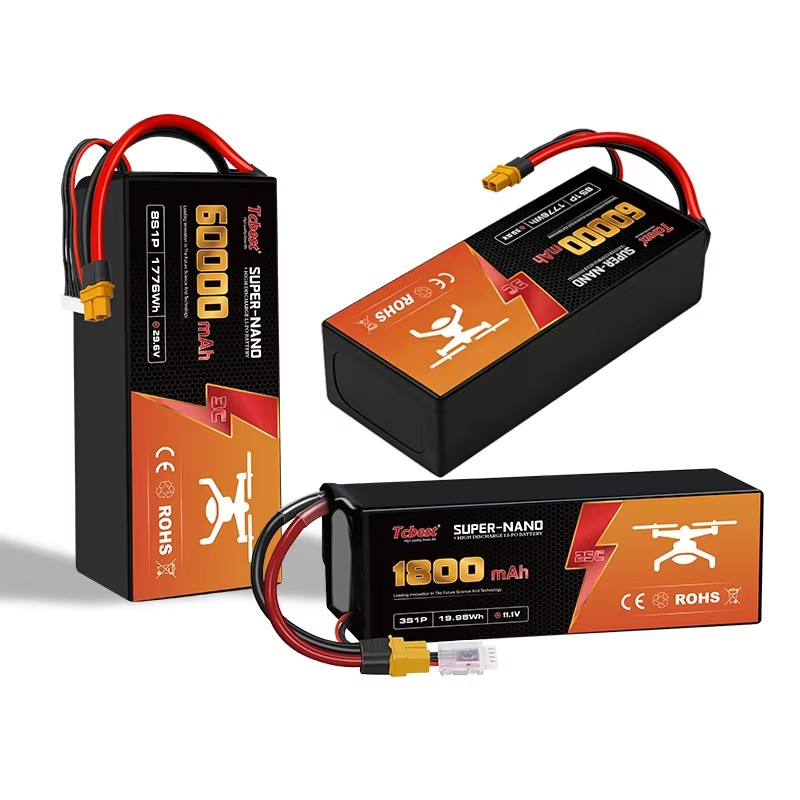
4. Emergency Charging Without a Dedicated Drone Charger (Not Recommended)
We strongly advise against charging drone batteries without a dedicated balance charger. Improvised charging methods may damage the battery, cause fires, or even explosions. Only operate under extreme emergencies and only if you have sufficient electrical knowledge:
1. USB low-power charging: Small toy drones can be charged via power banks, laptops, or car USB ports, but the charging speed is extremely slow.
2. Portable solar chargers: Suitable for outdoor field emergencies – can only provide temporary power replenishment.
3. Adjustable DC power supply: Set the voltage and charging current to exactly match the battery cell count. Incorrect parameter settings will permanently damage the battery pack.
For daily use, keeping a spare original dedicated drone charger is the safest and most reliable choice.
5. Troubleshooting: What to Do When the Drone Battery Won't Charge
If the charger cannot detect or charge the battery, check the following common causes and solutions:
Fault Cause |
Solution |
Physical battery damage |
Swelling, impact damage, or internal short circuit from long-term improper storage – stop using immediately |
Deep over-discharge |
Cell voltage drops below safety threshold – most chargers cannot activate. Try low-current trickle charging to recover mildly damaged batteries |
Reached cycle life limit |
LiPo batteries typically support only 300–500 cycles. Aged batteries have degraded capacity and cannot be fully charged |
Charger damaged or mismatched |
Replace with a certified charger to confirm whether the issue is with the battery itself |
Loose, dusty, or oxidized terminals |
Clean the charging port and metal terminals of dust and oxidation |
Outdated firmware |
Visit the official website to update flight controller and battery BMS firmware |
BMS self-lock protection |
Battery locks charging function when detecting abnormal cell voltage – follow official reset instructions to unlock |
Temperature protection triggered |
Battery automatically stops charging in extremely high or low temperatures – wait for battery to cool/warm to room temperature before recharging |
6. Consequences of Draining the Battery Completely During Flight
Many beginners ignore low-voltage warnings and fly until the battery is completely dead – this poses serious safety risks:
1. Sudden power loss can cause the drone to crash.
2. Deep discharge destroys the lithium cell chemistry, causing irreversible capacity loss.
3. Excessively low voltage locks the battery management system, making the battery completely unchargeable.
Golden rule of flying: Activate auto-return when remaining battery is at 20%–30% – never drain the battery completely.
7. What to Do When Battery Drains Too Fast – Practical Tips to Extend Endurance and Lifespan
Main Reasons for Fast Drainage
1. Battery aging after hundreds of cycles – capacity degradation.
2. Low temperatures reduce lithium battery activity – discharge efficiency decreases.
3. High-load operations: aggressive acrobatic flights, carrying LiDAR, heavy cameras, and video transmission equipment significantly increase power consumption.
4. Improper charging: long-term overcharging, under-charging, or mismatched charging current damage cells.
5. Incorrect storage: storing batteries fully charged or fully empty for months accelerates aging.
Effective Methods to Extend Battery Life and Flight Duration
1. Proper storage: Store batteries at room temperature with 40%–60% charge. Avoid direct sunlight and extreme cold.
2. Avoid deep discharge: Recharge the battery promptly after each flight, even short ones.
3. Always use original or certified chargers from reputable brands.
4. Regularly update drone and BMS firmware to optimize power distribution algorithms.
5. Pre-flight inspection: Check for swelling, leakage, and abnormal heating before every takeoff.
6. Cooling period: Allow the battery to cool completely before recharging after a flight.
8. Final Safety Reminders
Safe charging and proper maintenance are the foundations of long-term, stable drone operation. Following standardized procedures significantly reduces accident risks and saves on battery replacement costs:
1. Always follow the operating guidelines issued by battery manufacturers.
2. Equip yourself with high-quality smart chargers and LiPo fireproof storage bags.
3. Promptly retire and dispose of aging, swollen, or leaking batteries.
This guide provides a complete safe charging procedure for drone batteries, covering standard step-by-step operations, full-charge judgment methods, emergency charging options, troubleshooting tips, and maintenance practices. It helps pilots extend battery life, prevent swelling and over-discharge, and avoid fire risks through proper charging and storage habits.
Table of Contents
- Introduction
- 1. Drone Battery Basics
- 2. Safe Step-by-Step Standard Charging Process
- Step 3: Standard charging operation rules
- 3. Four Ways to Determine If the Drone Battery Is Fully Charged
- 4. Emergency Charging Without a Dedicated Drone Charger (Not Recommended)
- 5. Troubleshooting: What to Do When the Drone Battery Won't Charge
- 6. Consequences of Draining the Battery Completely During Flight
- 7. What to Do When Battery Drains Too Fast – Practical Tips to Extend Endurance and Lifespan
- 8. Final Safety Reminders