
 EN
EN
Introduction
Drones are widely used in aerial photography, agriculture, inspection, and other fields, and batteries are a key component determining flight safety and performance. Proper charging and maintenance not only extend battery life but also effectively reduce safety risks. This article will briefly introduce the correct charging methods for drone batteries and common precautions.
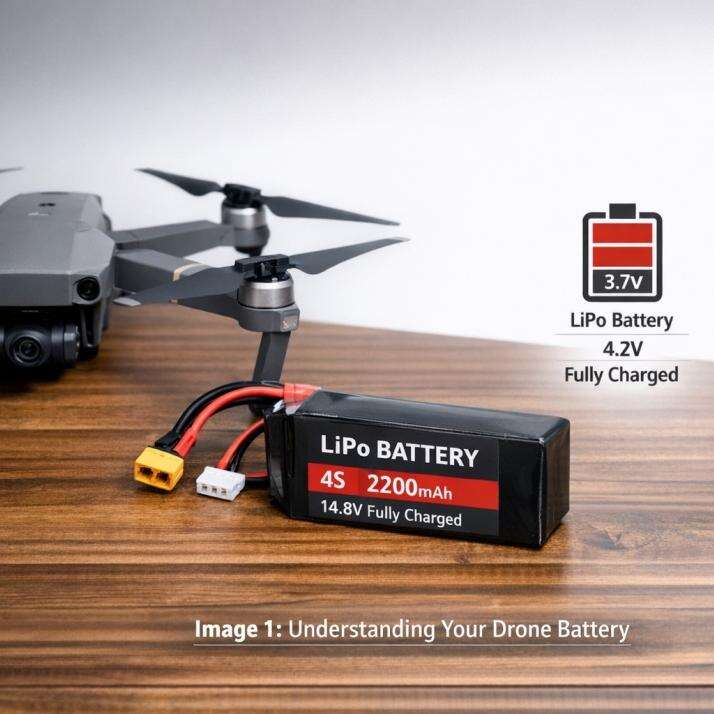
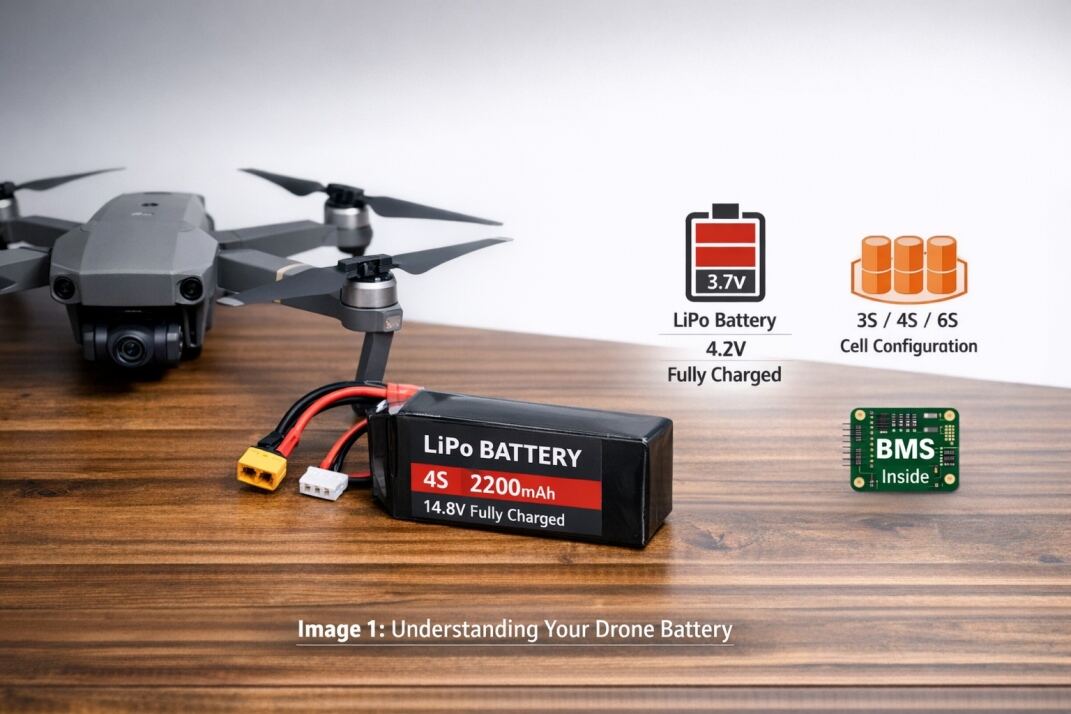
Understanding Your Drone Battery
Currently, most drones use lithium polymer batteries (LiPo), characterized by high energy density, light weight, and strong discharge capacity. However, LiPo batteries are very sensitive to overcharging, over-discharging, and high temperatures; improper use can easily lead to bulging, capacity decay, or even fire.
Before charging, always consult your drone's instruction manual to understand the recommended charger, voltage, current, and temperature requirements.
How to Charge Your Drone Battery
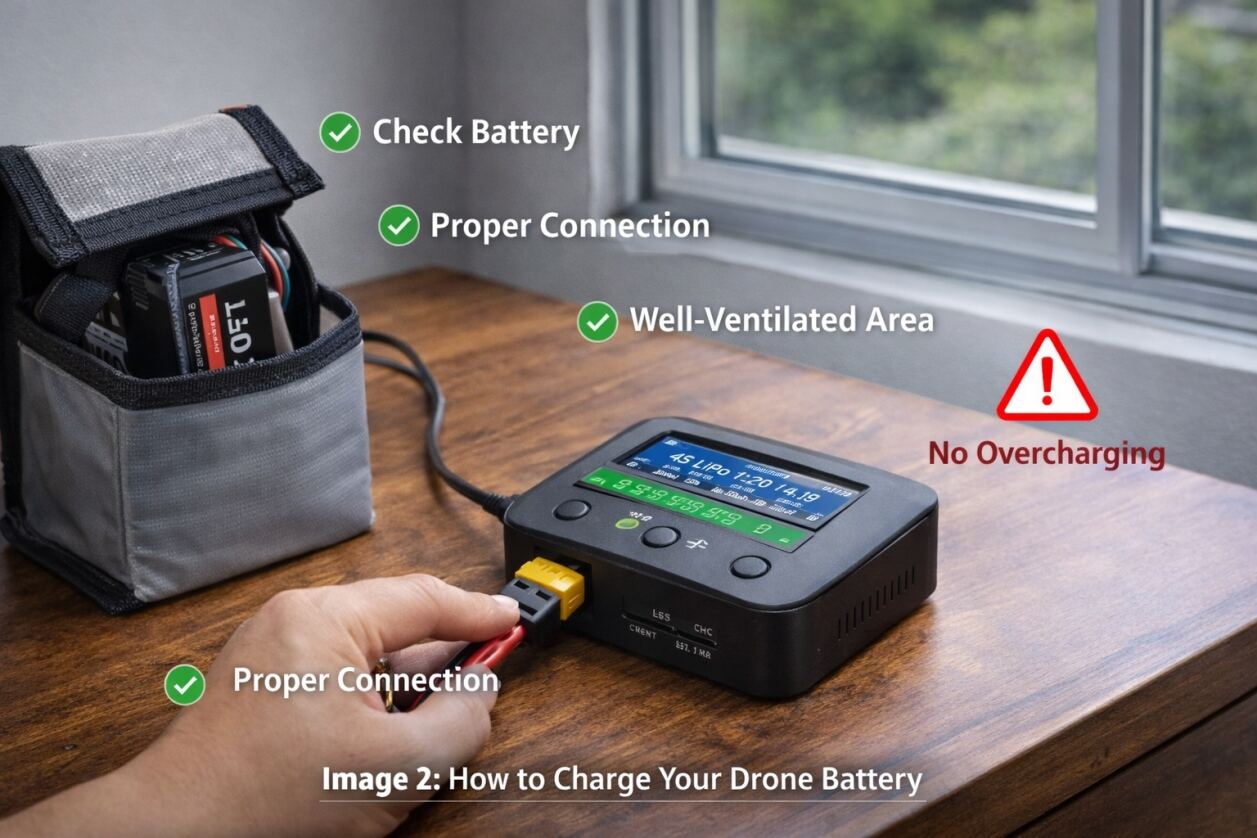
1. Use an Original or Certified Charger
Original chargers are precisely matched to battery parameters and are equipped with multiple safety protections. Inferior or incompatible chargers may damage the battery or even cause safety accidents.
2. Follow the correct charging procedure
Check the battery for bulging or damage before charging.
Ensure the interface connection is secure.
Charge in a well-ventilated environment away from flammable materials.
Supervise the charging process whenever possible.
3. Avoid overcharging
A single LiPo battery has a full charge voltage of 4.2V. Overcharging accelerates aging and increases the risk of fire. Ensure the charger has an automatic power-off function.
4. Storage after charging
If the battery will not be used within one week, it is recommended to keep the charge at 50-60% and store it in a cool, dry environment.
How to determine if the battery is fully charged
LED indicator: A solid green light usually indicates a full charge.
Charger display: Displays "FULL" or "100%"
Voltage detection: For example, a fully charged 4S battery is approximately 16.8V.
The BMS of a smart battery automatically manages charging and cell balancing.
Can I charge it without a charger? (Not recommended)
Some consumer drones support USB charging or outdoor solar charging, but this is slow and carries a higher risk. Directly connecting to a power source requires highly specialized skills and is not recommended for general users.
Common Charging Problems and Causes
Battery aging or damage
Over-discharge triggering BMS protection
Charger malfunction or incompatibility
Loose connection or damaged cable
Excessively high or low temperatures
Impact of a dead or rapidly draining battery
A depleted battery may trigger automatic landing or return-to-home, and may also lead to a crash risk. Frequent deep discharges significantly shorten battery life. It is recommended to land when the battery has 20-30% charge remaining.
Rapid battery drain is usually related to battery aging, low temperatures, high-load flight, or improper charging.
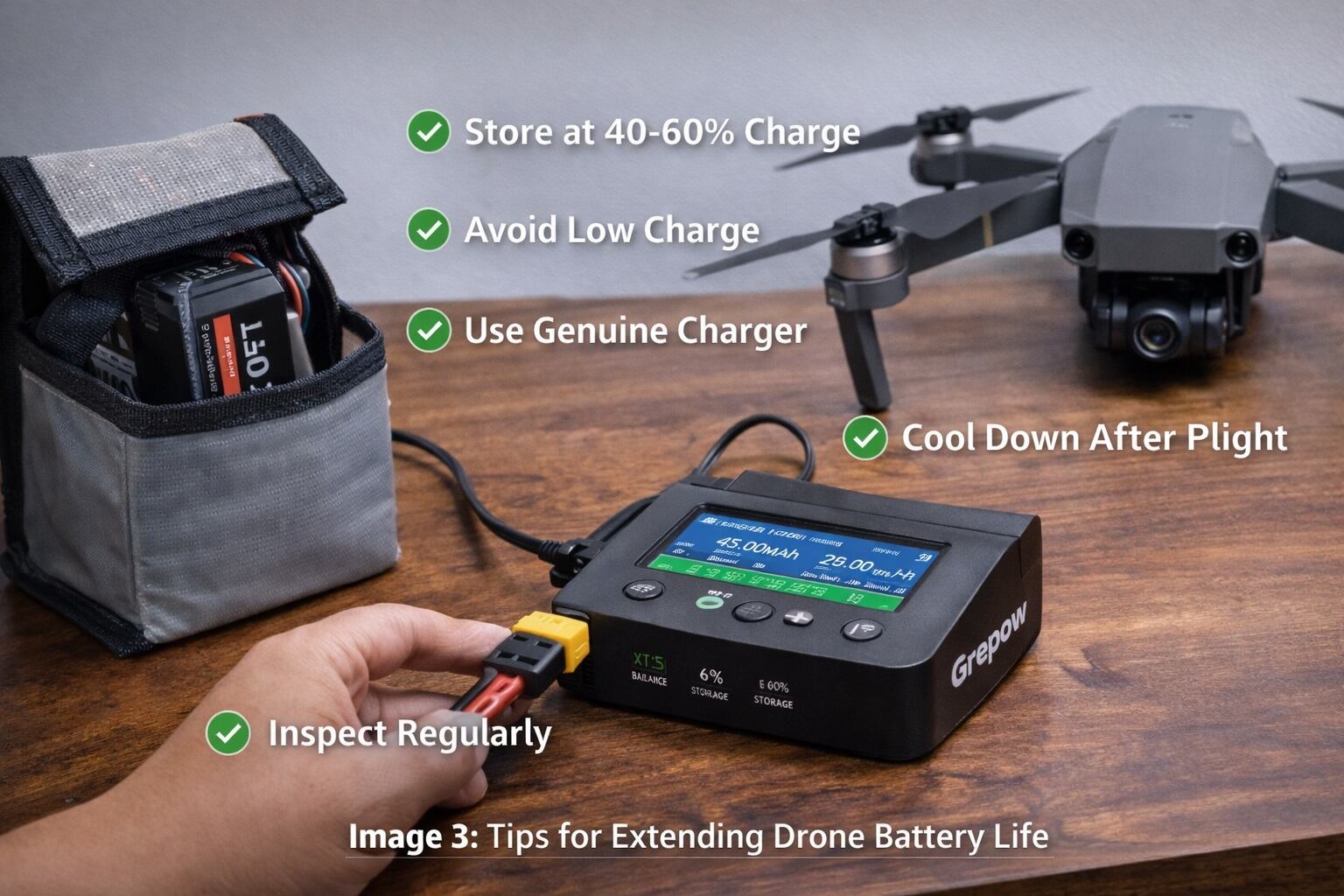
Tips for Extending Drone Battery Life
Maintain a charge level of 40-60%
Avoid excessively low charge
Use original or high-quality chargers
Cool down before recharging after flight
Regularly check battery status
Conclusion
Proper charging and storage methods are fundamental to safe drone flight. Following guidelines and using reliable batteries and charging equipment can significantly improve battery life and flight safety.
For professional users, Grepow offers semi-solid-state drone batteries, smart BMS batteries, and high-efficiency chargers, providing outstanding safety and performance, making it a reliable energy solution