
 EN
EN
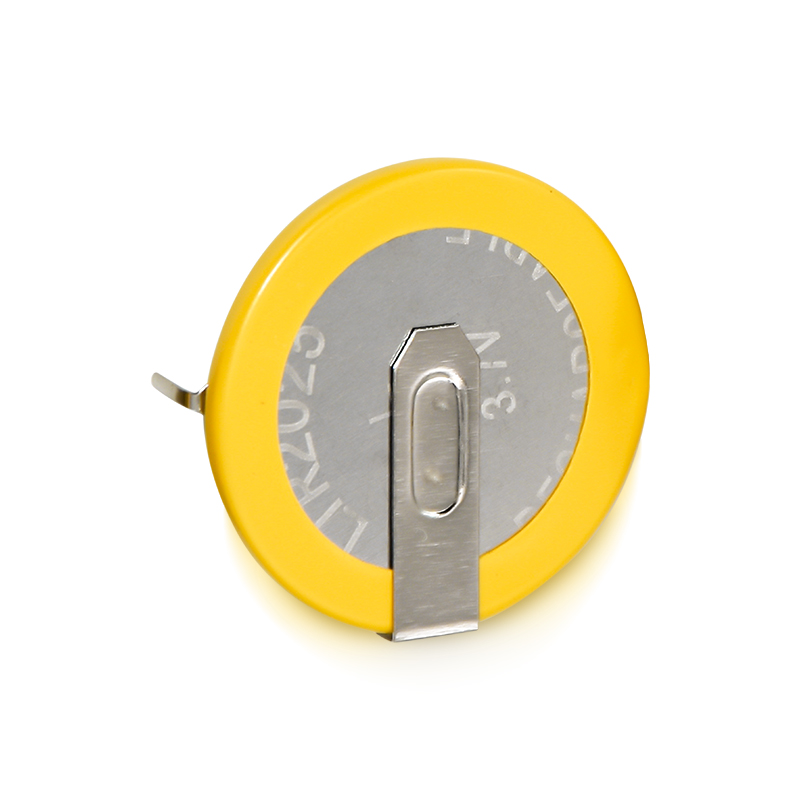
Small electronic devices depend on reliable power sources to function consistently and safely. A button cell is one of the most common power solutions for these compact applications, from watches and hearing aids to calculators and medical devices. However, many users fail to recognize that button cell performance can be significantly enhanced through proper handling, storage, and maintenance practices. Understanding how to maximize button cell efficiency not only extends device uptime but also reduces replacement costs and environmental waste. This guide explores practical strategies to improve button cell performance in your small devices.
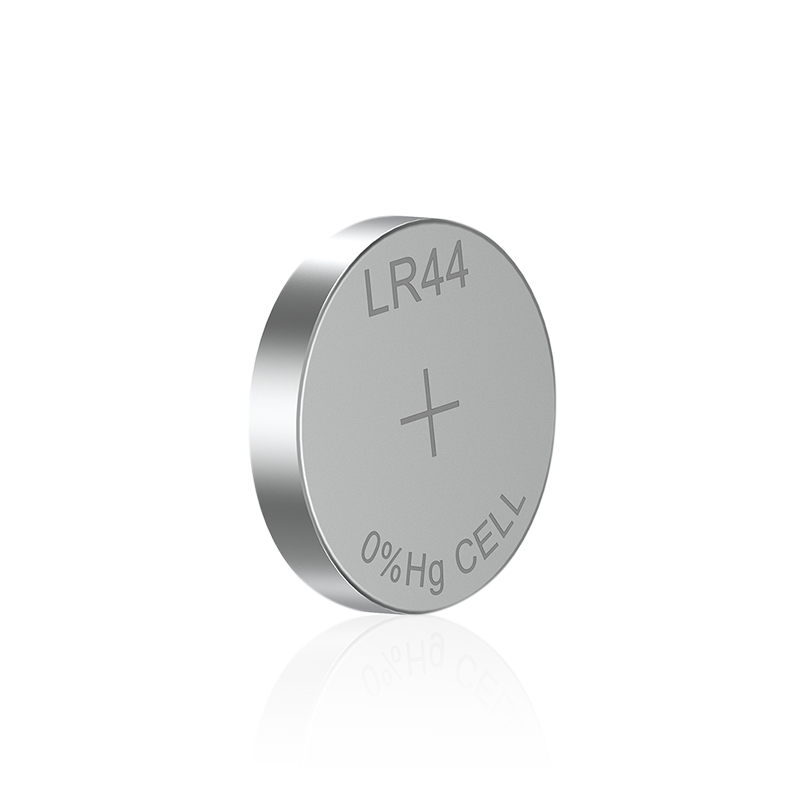
The performance of a button cell depends on multiple interconnected factors including chemical composition, storage conditions, device load requirements, and operating environment. Each element directly influences how long your button cell will maintain voltage output and sustain your device's operations. By implementing evidence-based optimization techniques, users can extract maximum runtime from each button cell while protecting their devices from power failures and unexpected shutdowns.
Understanding Button Cell Chemistry and Load Compatibility
Matching Button Cell Type to Device Requirements
Different device categories demand different button cell chemistries and capacities. Alkaline button cells work well for low-drain devices like remote controls and calculators, while silver oxide button cell variants suit hearing aids and precision instruments. A button cell performance improves dramatically when it matches the specific power requirements of your device. Installing an incompatible button cell, even if physically fitting, can lead to voltage instability, reduced runtime, and premature failure. Verify your device manual or battery compartment label to identify the correct button cell designation before purchasing or installing a replacement.
Load Characteristics and Runtime Impact
Device load patterns fundamentally influence how a button cell delivers power and sustains performance over time. High-drain applications stress the button cell more aggressively than low-drain scenarios, causing voltage to drop faster and overall lifespan to shorten. A button cell designed for intermittent use will perform better in devices activated periodically rather than in continuous-operation applications. Understanding your device's power consumption patterns helps you select a button cell with appropriate capacity rating. Pulse-based loads, continuous draws, and standby currents all affect how long a button cell maintains usable voltage.
Optimizing Storage and Environmental Conditions
Temperature Management and Storage Best Practices
Temperature extremes represent one of the most significant threats to button cell longevity and performance stability. Storing a button cell in excessively warm environments accelerates internal chemical degradation, reducing stored energy and shortening shelf life. Conversely, very cold temperatures temporarily reduce voltage output and can slow down chemical reactions within the button cell. The optimal storage temperature for a button cell ranges between 15 and 25 degrees Celsius, with humidity levels below 65 percent. Keeping spare button cells in a cool, dry drawer or sealed container significantly extends their usable lifespan compared to storing them in kitchen cabinets, bathroom medicine drawers, or vehicles where temperature fluctuates.
Moisture and Contamination Prevention
Moisture infiltration and physical contamination dramatically reduce button cell performance and reliability. When a button cell contacts moisture or corrosive substances, internal short circuits can develop, causing rapid energy depletion and potential device damage. Store your button cell in moisture-resistant packaging and keep the battery terminals clean and dry before installation. Never store a button cell in humid bathroom environments or near water sources. If a button cell has been exposed to moisture, inspect it visually for corrosion or leakage before using it in any device. Installing a compromised button cell risks damaging your device's internal circuits and creating safety hazards.
Installation Techniques and Device Maintenance
Proper Installation and Polarity Verification
Incorrect installation directly undermines button cell performance and creates device malfunctions. Always verify battery polarity before inserting a button cell into your device, ensuring the positive and negative terminals align with the compartment markings. A button cell installed backward will fail to power the device and may cause internal damage. Clean the battery compartment of any corrosion or debris before inserting a new button cell, as contact resistance significantly reduces voltage delivery to your device. Handle a button cell by its edges rather than touching the terminals, preventing skin oils and contaminants from interfering with electrical contact quality.
Contact Maintenance and Device Performance
Oxidation and corrosion on device terminals severely compromise the voltage transfer from a button cell to your device's electronics. Periodically inspect battery compartment contacts and gently clean them with a dry cotton swab or soft brush to remove oxidation buildup. For devices used frequently, this maintenance task becomes even more critical since environmental exposure increases corrosion risk. A button cell may be in perfect condition chemically, yet perform poorly due to poor electrical contact within the device. By maintaining clean terminals and secure connections, you ensure maximum power transfer efficiency and consistent device operation throughout the entire button cell lifespan.
Extending Button Cell Life Through Smart Usage Patterns
Device Usage Optimization Strategies
How you use your device directly impacts how long a button cell retains usable voltage and performance capability. Devices with backlit displays, wireless connectivity, or frequent wake-up cycles drain a button cell faster than simple, low-power alternatives. Minimize unnecessary feature usage when possible, such as disabling backlighting or reducing refresh rates in monitoring devices. A button cell performs most efficiently when devices operate in their design-intended manner rather than under stress conditions. For applications where you can control usage patterns, reducing active operation time and maximizing sleep or standby periods significantly extends button cell runway.
Seasonal and Periodic Performance Checks
Regular monitoring helps identify button cell degradation before complete failure causes operational problems. For critical devices like medical alert systems or backup power indicators, perform monthly voltage checks using an appropriate testing device or multimeter. A button cell showing reduced voltage well before expected end-of-life signals that replacement is imminent, allowing you to schedule maintenance proactively. Seasonal assessments after temperature extremes or extended storage periods provide early warning of performance issues. Implementing this simple monitoring routine prevents unexpected device failures and ensures consistent, reliable operation of your small electronic devices.
FAQ
Can using a higher-capacity button cell improve device performance?
Installing a higher-capacity button cell than specified may seem beneficial but often creates problems rather than improvements. Oversized or incompatible button cell types may not fit properly in the battery compartment, causing poor electrical contact or physical jamming. Device circuitry is engineered specifically for the voltage and current characteristics of the recommended button cell type. Using a button cell with different specifications can damage sensitive electronics or cause unreliable operation. Always follow manufacturer specifications for your device's battery requirements rather than experimenting with larger alternatives.
How does temperature affect button cell voltage output?
Temperature creates measurable changes in button cell performance through chemical and physical mechanisms. Cold temperatures temporarily reduce voltage output as chemical reaction rates slow down, making the button cell appear weaker than it actually is. Warm environments increase reaction rates, temporarily improving voltage but accelerating overall degradation of the button cell's internal chemistry. Extreme heat permanently damages a button cell's capacity and shelf life. This is why storing a button cell in moderate, stable temperatures preserves its performance characteristics much longer than exposing it to temperature swings or extremes.
What causes a button cell to lose performance prematurely?
Premature button cell failure stems from multiple factors including improper storage, incompatible device usage, exposure to moisture or corrosion, and manufacturing defects. Using a button cell in a high-drain device exceeding its design specifications rapidly depletes stored energy. Storing a button cell in extreme temperatures or humid environments accelerates chemical degradation. Poor installation practices leading to corrosion or weak electrical contact prevent proper voltage delivery. Identifying which factor causes degradation in your specific situation helps you adjust practices to extend future button cell lifespan and device reliability.