
 EN
EN
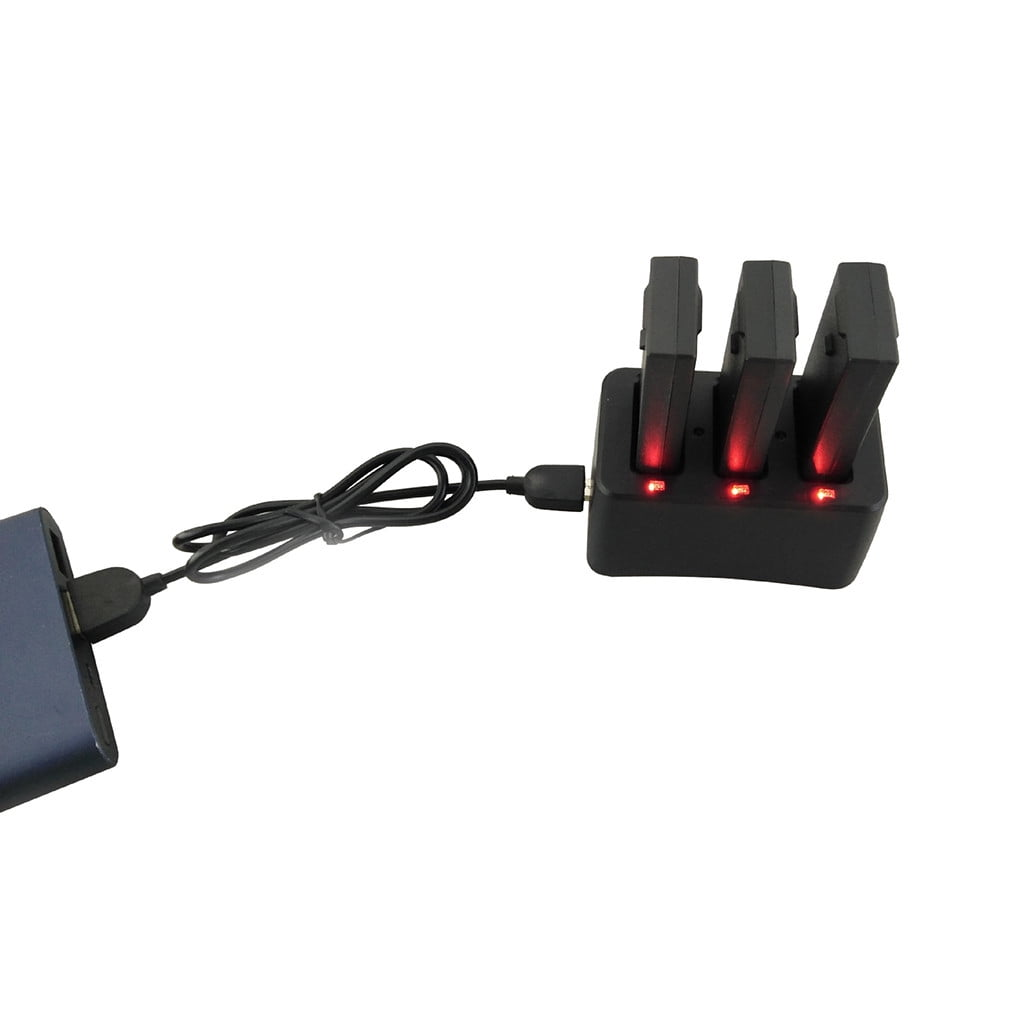
How to Charge Your Drone Battery and Extend Its Life
When using a drone, it's crucial to keep the battery healthy and properly charged to ensure optimal performance and extend its lifespan. Proper battery maintenance translates to more reliable flight, greater safety, and a longer overall lifespan.
Understanding Your Drone Battery
Most modern drones use lithium polymer (LiPo) batteries, which are lightweight and powerful. However, LiPo batteries have a drawback—they are highly sensitive to improper charging, storage, and temperature.
Before performing any actions on your drone battery, always consult your drone's manual. Different drone models may have slight variations, and their charging instructions or recommended parameters may differ slightly.
How to Charge Your Drone Battery
To safely charge your drone battery and extend its lifespan:
Use the manufacturer-recommended charger. This ensures the correct voltage and current.
First, inspect the battery. Check for bulging, damage, or swelling.
Connect correctly. Ensure all plugs are tightened and clean.
Charge in a well-ventilated area. Avoid contact with enclosed spaces and flammable surfaces.
Monitor the charging process. Closely monitor the battery status while charging.
Avoid overcharging. Most chargers will automatically disconnect, but do not leave the battery unattended for several hours to charge.
Proper Battery Storage
If you will not use the drone for more than a week:
Keep the battery level between 50% and 60%. This is the "stored capacity" of a lithium polymer battery.
Keep the battery in a cool, dry place. Avoid high temperatures or humid environments.
Store away from metal objects to reduce the risk of short circuits.
How to Determine if the Battery is Fully Charged
Understanding Your Drone Battery
Most modern drones use lithium polymer (LiPo) batteries, which are lightweight and powerful. However, LiPo batteries have a drawback—they are highly sensitive to improper charging, storage, and temperature.
Before performing any actions on your drone battery, always consult your drone's manual. Different drone models may have slight variations, and their charging instructions or recommended parameters may differ slightly.
How to Charge Your Drone Battery
To safely charge your drone battery and extend its lifespan:
Use the manufacturer-recommended charger. This ensures the correct voltage and current.
First, inspect the battery. Check for bulging, damage, or swelling.
Connect correctly. Ensure all plugs are tightened and clean.
Charge in a well-ventilated area. Avoid contact with enclosed spaces and flammable surfaces.
Monitor the charging process. Closely monitor the battery status while charging.
Avoid overcharging. Most chargers will automatically disconnect, but do not leave the battery unattended for several hours to charge.
Proper Battery Storage
If you will not use the drone for more than a week:
Keep the battery level between 50% and 60%. This is the "stored capacity" of a lithium polymer battery.
Keep the battery in a cool, dry place. Avoid high temperatures or humid environments.
Store away from metal objects to reduce the risk of short circuits.
How to Determine if the Battery is Fully Charged
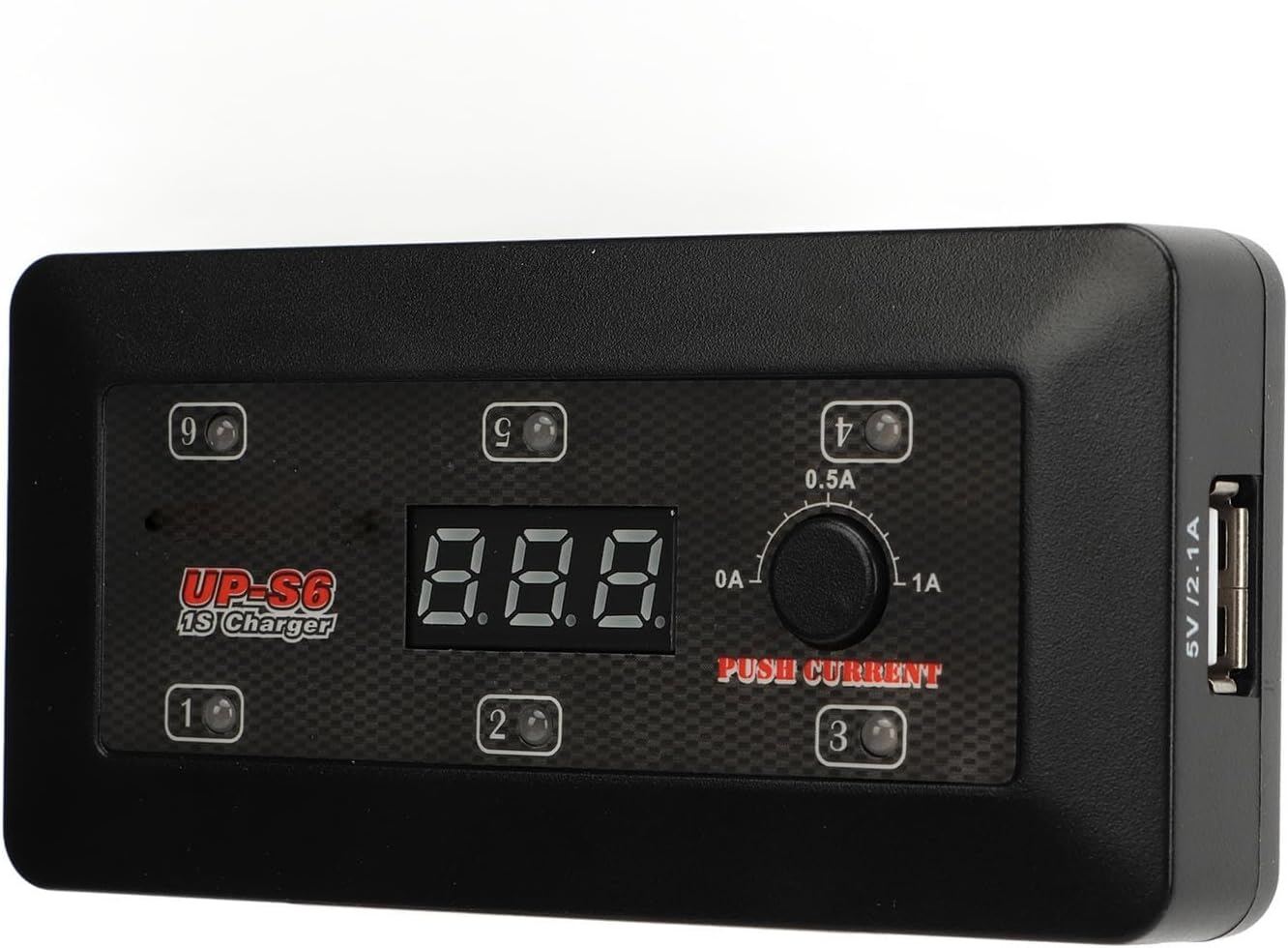
You can determine if the battery is fully charged by:
LED indicator lights on the battery or charger
The drone's built-in Battery Management System (BMS)
Voltage reading on the smart charger
Charger status indicator lights or display
Always follow the instructions in the manual on how to interpret these signals.
Using an Inappropriate Charger (Not Recommended)
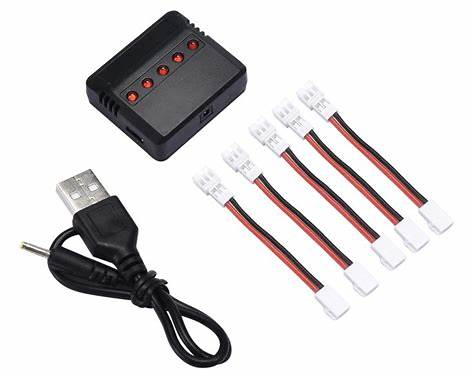
Using a non-recommended charger may pose risks. Some people may try the following alternatives:
USB charger
Portable solar charger
Variable power source
These solutions might work in an emergency, but they can damage the battery or even cause a fire. Please use the original charger whenever possible.
Charging Troubleshooting
If your battery won't charge, it could be due to the following reasons:
Damage or swelling
Over-discharge (low voltage)
Aging or performance degradation
Charger or connector malfunction
Incorrect charging settings
If in doubt, stop charging and carefully inspect the battery.
What Happens When a Drone Battery Runs Out
If your drone battery runs out during flight, it may:
Automatically land if firmware supports it
Sudden power loss
Crash if no safety measures are in place
Therefore, understanding your battery level and carefully planning your flights is crucial.
Why Drone Batteries Drain Quickly
Battery level drain is normal, but the following factors can accelerate it:
Battery aging
Low temperature
High-power flight
Incorrect charging habits
Poor storage conditions
Fly within the recommended temperature range whenever possible. If flying in cold weather, preheat the battery beforehand.
Tips to Extend Drone Battery Life
To maximize battery life:
Store the battery correctly
Avoid complete discharge
Use the original charger
Keep the drone firmware updated
Inspect the battery for wear or damage
Let the battery cool down after flight before charging
Conclusion
Most importantly, always use the original charger, and ensure the battery is properly discharged and charged to the correct level. Proper charging and maintenance are crucial for maintaining the health and safety of your drone battery.
You can determine if the battery is fully charged by:
LED indicator lights on the battery or charger
The drone's built-in Battery Management System (BMS)
Voltage reading on the smart charger
Charger status indicator lights or display
Always follow the instructions in the manual on how to interpret these signals.
Using an Inappropriate Charger (Not Recommended)
Using a non-recommended charger may pose risks. Some people may try the following alternatives:
USB charger
Portable solar charger
Variable power source
These solutions might work in an emergency, but they can damage the battery or even cause a fire. Please use the original charger whenever possible.
Charging Troubleshooting
If your battery won't charge, it could be due to the following reasons:
Damage or swelling
Over-discharge (low voltage)
Aging or performance degradation
Charger or connector malfunction
Incorrect charging settings
If in doubt, stop charging and carefully inspect the battery.
What Happens When a Drone Battery Runs Out
If your drone battery runs out during flight, it may:
Automatically land if firmware supports it
Sudden power loss
Crash if no safety measures are in place
Therefore, understanding your battery level and carefully planning your flights is crucial.
Why Drone Batteries Drain Quickly
Battery level drain is normal, but the following factors can accelerate it:
Battery aging
Low temperature
High-power flight
Incorrect charging habits
Poor storage conditions
Fly within the recommended temperature range whenever possible. If flying in cold weather, preheat the battery beforehand.
Tips to Extend Drone Battery Life
To maximize battery life:
Store the battery correctly
Avoid complete discharge
Use the original charger
Keep the drone firmware updated
Inspect the battery for wear or damage
Let the battery cool down after flight before charging
Conclusion
Most importantly, always use the original charger, and ensure the battery is properly discharged and charged to the correct level. Proper charging and maintenance are crucial for maintaining the health and safety of your drone battery.