
 EN
EN
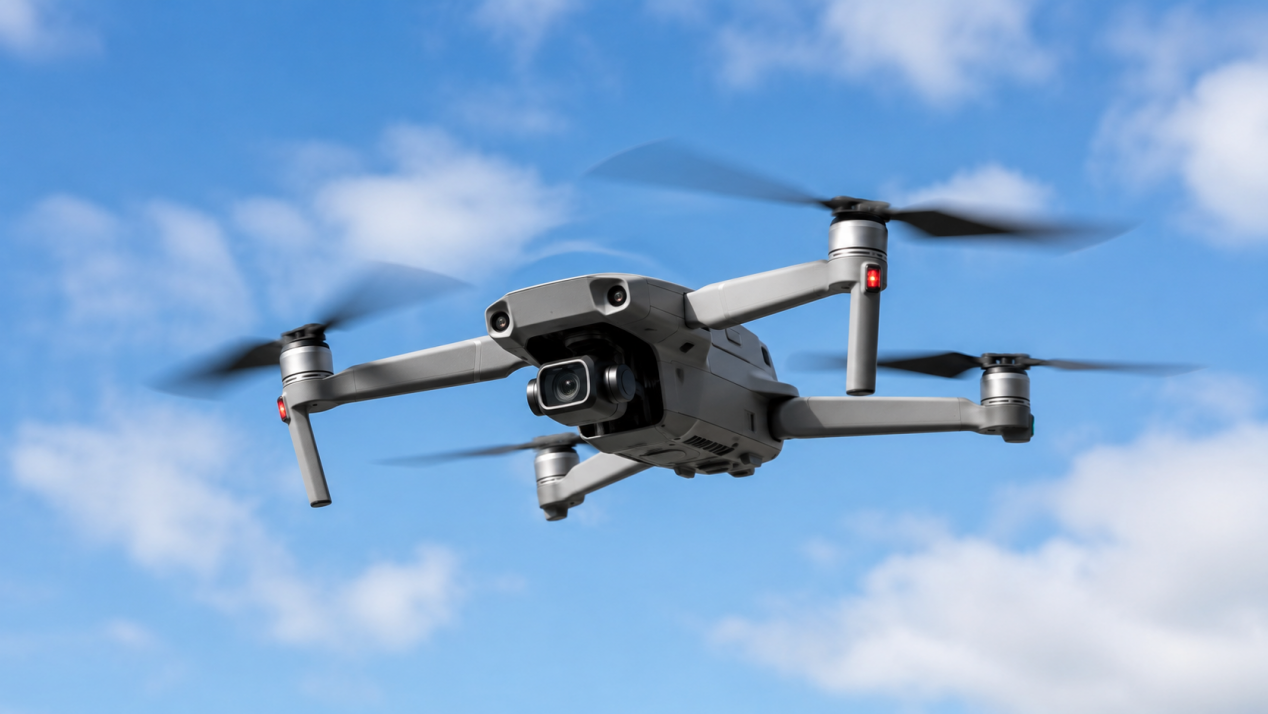
A drone battery directly affects flight time, power, and safety. Whether a drone is used for photography, mapping, racing, agriculture, or inspection, proper charging can extend battery life and reduce the risk of overheating, swelling, or sudden power loss during flight.
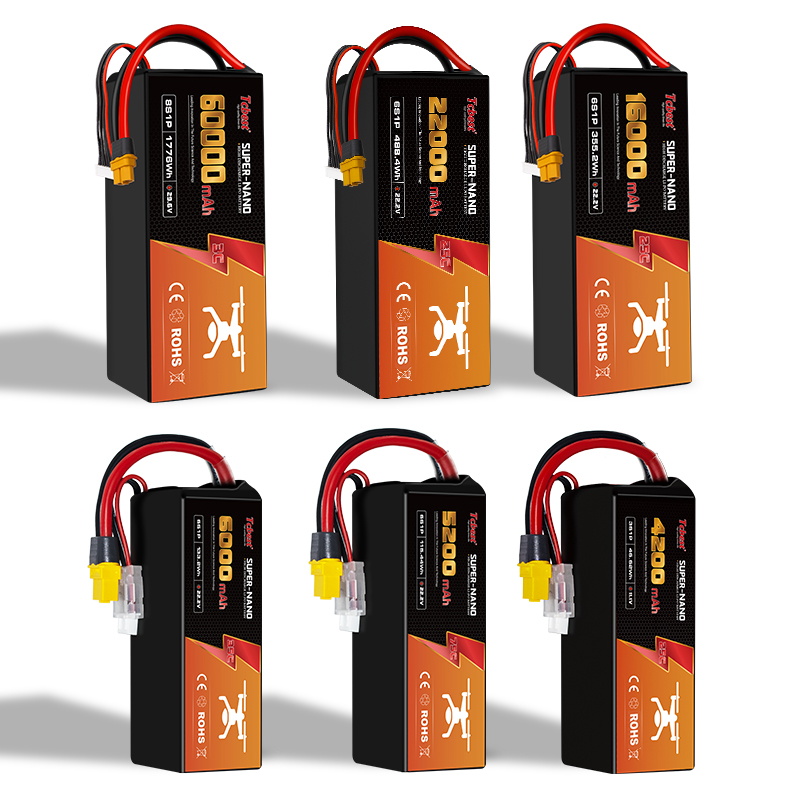
Most modern drones use lithium polymer batteries, also known as LiPo batteries. These batteries are lightweight, powerful, and energy-dense, but they are sensitive to overcharging, heat, impact, and deep discharge.
Understand Your Drone Battery
Before charging, check the battery label and user manual. Make sure you understand the battery type, voltage, capacity, cell count, and charging requirements.
Do not use the same charger for every drone battery. Even if the connector fits, the wrong voltage or current may damage the battery.
Some smart drone batteries include a battery management system that monitors charge level, voltage, temperature, cycle count, and battery health.
How to Charge a Drone Battery
Use the Right Charger
The safest choice is the original charger supplied by the drone manufacturer.
A high-quality compatible charger may also be used, but it must support the correct battery type, voltage, cell count, and connector.
Do not use a charger only because the plug fits. An incompatible charger may cause overheating, charging errors, or permanent battery damage.
Inspect the Battery
Before charging, check the battery for swelling, cracks, leakage, unusual smells, burn marks, loose connectors, or a deformed case.
Do not charge a swollen or damaged battery. A battery involved in a crash should also be checked carefully.
After a flight, allow the battery to cool before charging.
Connect the Battery Correctly
Place the charger on a stable surface and connect the battery carefully.
Make sure the connector is inserted in the correct direction and is firmly attached. Some LiPo batteries also have a balance connector that allows the charger to monitor each cell.
Do not force the connector into place. Keep coins, keys, screws, and other metal objects away from the battery terminals to prevent short circuits.
Choose a Safe Charging Area
Charge the battery in a dry, cool, and well-ventilated area.
Place it on a heat-resistant, non-flammable surface such as ceramic tile or concrete.
Do not charge the battery on beds, sofas, carpets, paper, or wooden furniture. Keep it away from sunlight, heaters, flames, water, and flammable materials.
A fire-resistant LiPo charging bag can provide extra protection, but the battery should still be supervised.
Monitor the Charging Process
Do not leave a drone battery charging unattended for long periods.
Stop charging immediately if the battery becomes very hot, starts swelling, produces smoke, leaks, smells unusual, or causes the charger to display an error.
Fast charging should only be used when both the battery and charger support it.
Avoid Overcharging
LiPo and lithium-ion batteries can be damaged by overcharging.
Overcharging may cause heat, swelling, reduced capacity, and safety problems.
Most smart chargers automatically stop charging when the battery is full, but it is still best to disconnect the battery after charging is complete.
Avoid leaving the battery connected overnight. Keeping a lithium battery at 100% for long periods may also speed up aging.
How to Know When the Battery Is Fully Charged
Check the LED Lights
Many batteries and chargers use LED lights to show charging status.
The lights may flash during charging and become solid, turn green, or switch off when charging is complete.
Always check the user manual because indicator patterns vary by product.
Check the App or Controller
Smart batteries may show charge percentage, temperature, voltage, and battery health through the drone app or remote controller.
When the battery shows 100% and the charger indicates completion, charging is usually finished.
Check the Charger Display
Some intelligent chargers show voltage, current, charging time, percentage, and completion status.
They may also produce a sound when the battery is fully charged.
Professional users may use a battery checker or multimeter, but they should understand the battery specifications and connector layout first.
How to Store a Drone Battery
If the battery will not be used for more than one week, store it at about 50% to 60% charge.
Do not store lithium batteries fully charged or completely empty for long periods.
Some smart batteries automatically discharge to a safer storage level. Some balance chargers also include a storage mode.
Keep batteries in a cool, dry, and ventilated location away from heat, sunlight, water, children, pets, and flammable materials.
Do not store batteries together with coins, keys, screws, or other metal objects.
Tips to Extend Drone Battery Life
Use the original or a fully compatible charger.
Inspect the battery before charging and allow it to cool after each flight.
Do not completely drain the battery during every flight. Always keep enough power for a safe return and landing.
Avoid high temperatures and never leave the battery inside a hot vehicle.
For long-term storage, keep the battery at the recommended storage level.
Replace the battery if flight time becomes much shorter or if it shows swelling, charging errors, unusual heat, or physical damage.
Conclusion
Correct charging improves drone safety, flight stability, and battery lifespan.
Always use the right charger, inspect the battery before charging, choose a safe charging area, and monitor the process.
Avoid overcharging, deep discharge, high temperatures, and long-term storage at full charge.
Never charge or use a swollen, leaking, overheated, or damaged drone battery. Dispose of unsafe batteries according to local recycling rules.
Learn how to charge a drone battery safely, choose the right charger, avoid overcharging, check charging indicators, and store the battery correctly. Proper charging and maintenance help extend battery life, improve flight performance, and reduce risks such as overheating, swelling, and sudden power loss.