
 EN
EN
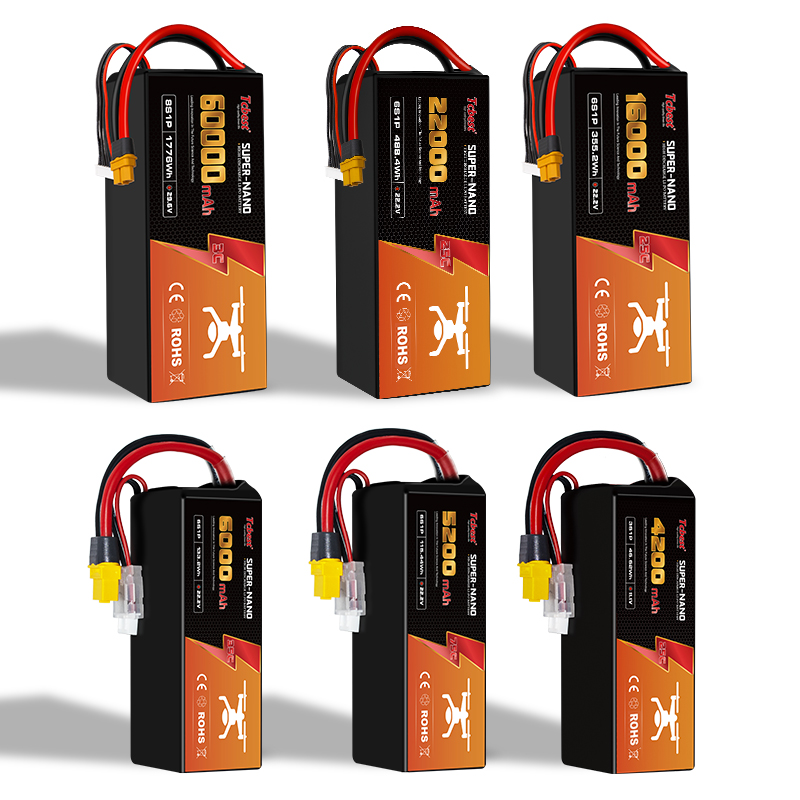
A drone battery that won't charge is not only frustrating but can also pose safety risks and directly disrupt your flight plans. The battery is the drone's sole power source, responsible for powering the motors, flight controller, camera, and communication systems. If there's a charging problem, the drone may become completely inoperable.
Today, most drones use lithium-ion (Li-ion) or lithium-polymer (LiPo) batteries. They have high energy density and are lightweight, but they are very sensitive to charging conditions, storage methods, and operating environments. Understanding why batteries refuse to charge and how to prevent it can save costs, extend battery life, and reduce safety risks.
This article will guide you step-by-step through troubleshooting charging problems, understanding the correct charging methods, and mastering the scientific storage methods for lithium-ion drone batteries.
Introduction: Why are Drone Batteries So Important?
Drone batteries are often called the "heart" of the aircraft. Without stable power:
● The motors cannot generate lift
● The flight controller may restart or malfunction
● GPS, sensors, and cameras may suddenly lose power
● Safety features such as return-to-home may not function properly
Unlike traditional fuel, drone batteries are reusable but are consumables. Each battery has a limited number of charge-discharge cycles and will gradually age over time. Failure to charge often indicates a deeper problem, which may lie in the battery itself, the charger, or daily usage habits.
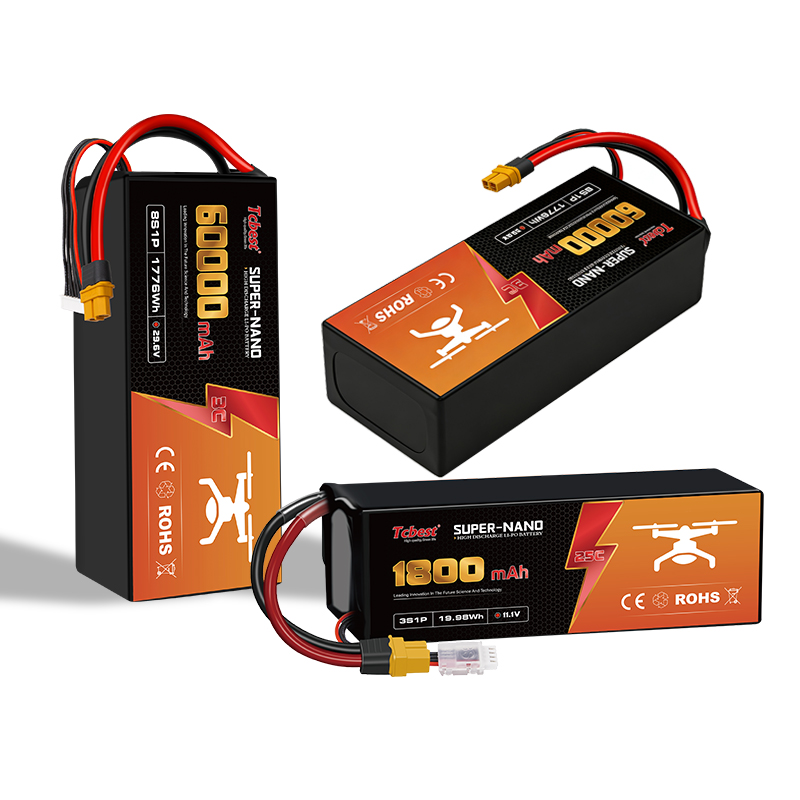
Why are Lithium-ion Batteries So Common in Drones?
Lithium-ion batteries have become mainstream primarily because they offer:
● High energy density (longer flight time for the same weight)
● Low self-discharge rate
● No "memory effect" like nickel-cadmium batteriey
However, lithium-ion batteries also require precise voltage control, strict temperature limits, and comprehensive protection circuits. If these conditions are not met, the battery will refuse to charge for safety reasons.
How to Diagnose Drone Battery Charging Problems
Before concluding that the battery is "dead," it's recommended to systematically troubleshoot step-by-step. Many charging failures can be easily resolved.
Step 1: Check Battery Connections
The most common and easily overlooked reason is poor contact.
Areas to check:
● Battery terminals (battery end and drone end)
● Charger interface and cables
● Check for dust, oxidation, corrosion, or bent pins
Even a small amount of dust or slight oxidation can prevent low-voltage lithium batteries from powering up properly. Typical Symptoms of Poor Contact:
● Drone fails to power on
● Charging indicator light does not illuminate
● Charging is intermittent
● Sudden power loss during flight
Solution:
● Turn off the drone and remove the battery.
● Gently clean the contacts with a dry microfiber cloth.
● For stubborn stains, use a small amount of isopropyl alcohol (rubbing alcohol) to clean and allow to dry completely.
● If the terminals are loose, corroded, or visibly damaged, the battery or charger should be replaced immediately.
Important Note: Do not scratch or forcibly bend the pins with metal tools, as this may cause permanent damage.
Check how your drone is charged:
Different drones have different charging methods, and using the wrong method can also lead to charging problems.
Common Charging Methods:
Independent battery charging: Remove the battery and charge it using a dedicated charger or charging hub.
Direct charging via the aircraft body: The battery is installed in the drone, and power is supplied directly to the entire aircraft through the interface.
Always use the original or compatible charger recommended by the manufacturer. If a third-party charger has mismatched voltage, current, or charging curve, it may trigger the battery protection circuit and refuse to charge.
Environmental and Usage Factors Affecting Charging:
Even if the connection and charger are fine, external conditions can still prevent the battery from charging.
Temperature Issues:
Lithium-ion batteries can only operate safely within a limited temperature range:
Too cold: Charging may be prohibited below approximately 0 °C (32 °F)
Too hot: There is a safety risk above approximately 45 °C (113 °F)
Most smart batteries will automatically stop charging if the temperature is outside the acceptable range.
Recommendation: After intense flight, allow the battery to cool naturally for 20–30 minutes before charging.
Over-discharge Protection: If the battery is over-discharged, the internal protection circuit may completely cut off the charging channel.
Common causes include:
● Flying until the drone automatically shuts down
● Storing the battery at a low charge level for a long time
● Battery voltage drops below the minimum safe threshold
In many cases, deeply over-discharged lithium batteries cannot be safely repaired.
Long-term Storage Issues: Batteries that are not used for a long time, especially when fully charged or completely discharged, are prone to charging problems.
Common mistakes:
● Storing in a fully charged state for several months
● Storing completely discharged for a long time
● Storing in a high-temperature or humid environment (such as inside a car)
These will accelerate the chemical aging of the battery cells.
How to Properly Store Lithium-ion Drone Batteries
Proper storage is key to preventing charging problems and extending battery life.
Do not store immediately after full charge or deep discharge
100% or 0% charge levels can increase internal stress on the battery.
Best practice: If not using for more than a week, keep the battery at 50–60% charge (SOC).
Avoid prolonged connection to the charger or overcharging
Even if the charger shows "fully charged," prolonged connection can still cause stress.
Good habit: Disconnect promptly after charging; do not leave charging unattended overnight.
Avoid using: Cheap chargers without voltage regulation protection.
Never store at 0% charge
Batteries naturally self-discharge during storage. If already at 0%, the voltage may drop below the safe limit, leading to:
● Inability to recharge
● Swelling or overheating
● Safety hazards
Recommendation: If the charge level is close to 0%, recharge as soon as possible and adjust to the storage charge level.
Allow the battery to cool completely before charging
High temperatures increase internal resistance and accelerate aging.
Good habit: Remove the battery after flying and allow it to cool naturally before charging.
Do not charge immediately after complete depletion
When the battery is completely depleted, the chemical stress on the cells is at its maximum. Immediate fast charging may lead to:
● Rapid temperature increase
● Cell imbalance
● Permanent capacity degradation
● Recommendation: Let it rest for 10–20 minutes before charging.
Other Common Causes
Battery Aging and Cycle Life
Most lithium-ion drone batteries have a lifespan of approximately 300–500 cycles. As they age:
● Internal resistance increases
● Capacity decreases
● Charging becomes slower or unstable
Recommendation: If the battery frequently experiences charging problems after several years of use, replacing it with a new battery is usually safer.
Charger or Cable Malfunction
Sometimes the problem is not with the battery, but with the charging equipment.
Check for:
● Damaged or loose cables
● Abnormal charger heating
● Unstable indicator lights
Recommendation: Use a known working charger for comparison testing.
Firmware or Battery Management System (BMS) Issues
Smart batteries rely on the BMS to monitor voltage, temperature, and current.
Abnormal or outdated firmware can sometimes cause charging interruptions.
Recommendation: Updating the firmware, if supported by the manufacturer, may resolve the issue.
Safety Warning: Do Not Charge Under These Circumstances
Stop using the battery immediately if you observe any of the following:
● Battery swelling or bulging
● Cracked casing or leakage
● Pungent chemical or burning smell
● Significant overheating during previous charging
These indicate internal damage, and continuing to charge may cause fire or explosion.
Conclusion: Prevention is better than cure
Most drone battery charging problems stem from poor usage or storage habits. Understanding the working principles of lithium-ion batteries and respecting their limitations is fundamental to avoiding problems.
Key Points Review
● Prioritize checking connections and charging equipment
● Strictly adhere to temperature ranges
● Avoid over-discharging and prolonged storage at full charge
● Maintain a storage charge level of 50–60%
● Allow the battery sufficient "rest" before and after charging and discharging
● Replace aging or damaged batteries promptly
With proper maintenance, your drone battery will charge reliably, last longer, and ensure safer and smoother flights every time