
 EN
EN
A drone battery that suddenly refuses to charge is incredibly frustrating. One battery may have worked perfectly on the previous flight, but the next one shows no response when connected to the charger. No indicator light, a flashing red warning, charging stops after a few minutes, or the charger simply displays an error.
When this happens, many people immediately assume, “The battery is dead.” But don’t throw it away or order a replacement just yet. Sometimes the cause is surprisingly simple: a damaged cable, dirty contacts, incorrect charger settings, or a battery that has been stored too long and dropped below its normal voltage range.
Of course, sometimes the battery really is damaged. The cells may be degraded, the BMS may have entered protection mode, or internal aging may have reached the point where the battery is no longer reliable.
Most modern drones use LiPo or lithium-ion batteries. They offer excellent energy density, but they are also sensitive to abuse. A hard crash, swelling, deep discharge, or poor storage conditions can all cause problems.
So when troubleshooting a drone battery, safety should always come first.
Below is the process I normally follow when dealing with a drone battery that refuses to charge. This is not a textbook procedure. It is more of a practical checklist based on real-world drone and RC battery experience.
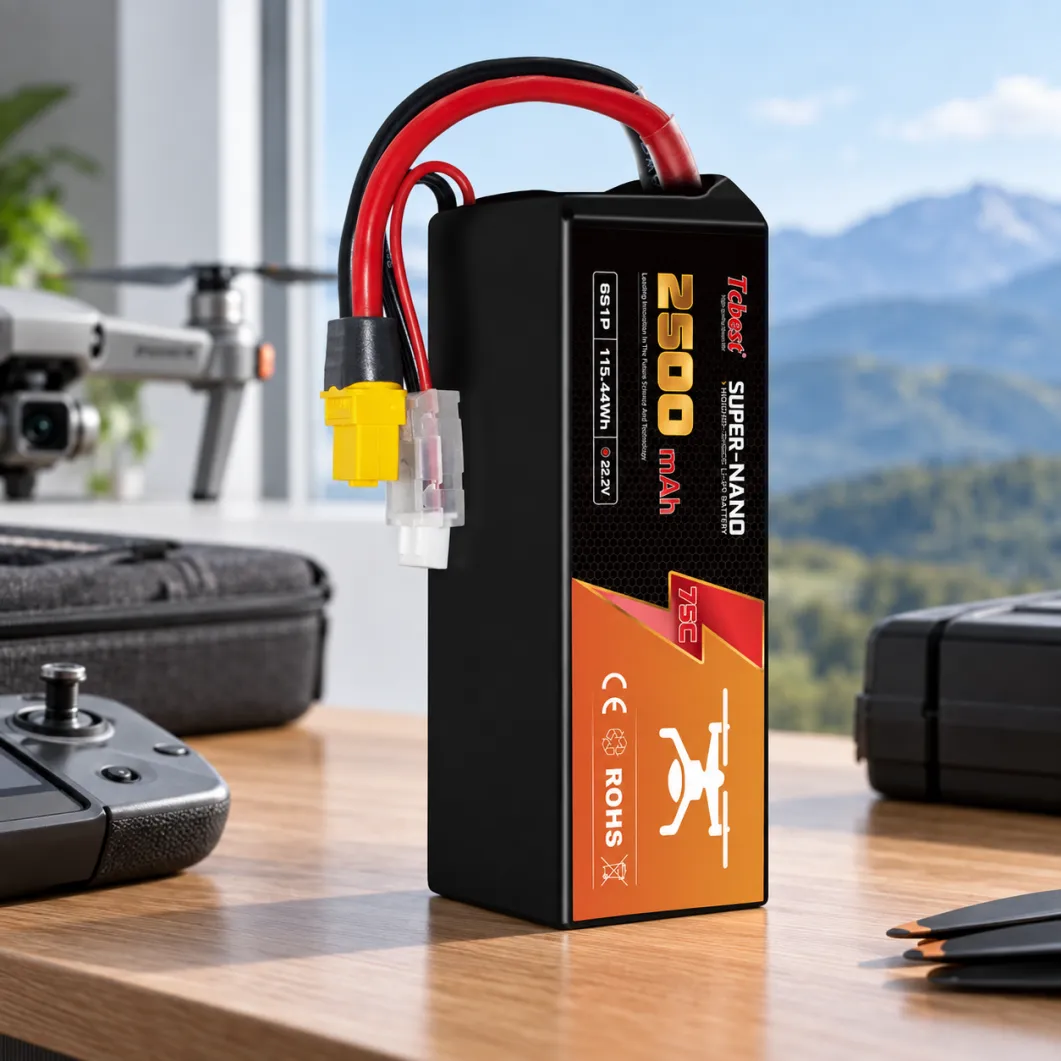
Start With the Charger and Cable, Not the Battery
A surprising number of charging problems are not caused by the battery at all.
I once had a battery that showed absolutely no response when plugged in. The problem turned out to be the charger power adapter. After replacing the cable, everything worked normally again.
So start with the basics.
Check whether the charger is receiving power. Look at the indicator lights. Make sure the connector is fully inserted and that the cable is not loose or damaged.
If you are using a hobby charger, double-check the charging settings.
For example, a 4S LiPo battery should be charged using the correct 4S LiPo setting. Selecting the wrong battery type or cell count may cause the charger to reject the battery, and incorrect settings can also create a serious safety risk.
Never force a battery to charge using an incompatible charger just to “see if it works.”
The Battery Voltage May Be Too Low
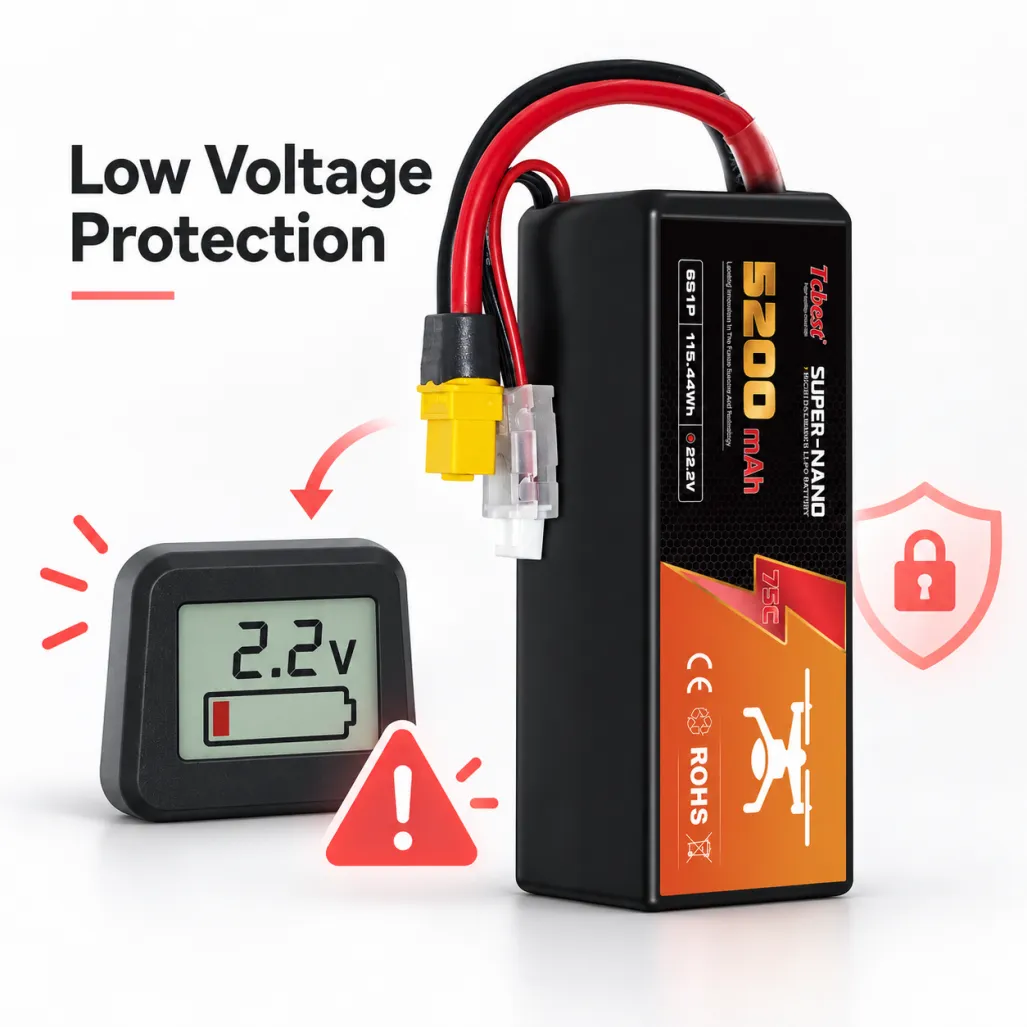
This is one of the most common reasons a drone battery refuses to charge.
Lithium batteries should not be discharged too deeply. If the charger detects that the battery voltage is below a safe threshold, it may refuse to begin charging.
That does not necessarily mean the charger is faulty. It may simply be protecting you from an unsafe battery.
This often happens when:
-The drone was flown until the battery was almost completely empty.
-The battery was left discharged for several weeks or months.
-The drone continued consuming a small amount of power after shutdown.
-One cell discharged faster than the others.
-The battery is already heavily aged.
-Smart batteries may also enter low-voltage protection mode, preventing normal charging.
If you have a battery checker, multimeter, or drone app, check the voltage first.
If one cell is significantly lower than the others, the battery may be badly unbalanced or the cell itself may be damaged.
One important point: do not try to force-charge a severely over-discharged lithium battery.
There are plenty of “battery revival” tutorials online involving very low current charging or briefly using NiMH mode. These methods can be dangerous. An over-discharged lithium cell may already have internal damage, and attempting to revive it may lead to swelling, overheating, or an internal short circuit.
If the voltage has dropped far below the safe range, replacing the battery is usually the better option.
Don’t Ignore the Connector and Charging Port
Battery connectors wear out over time, especially if you change batteries frequently.
Loose terminals, bent pins, oxidation, or damaged wires are all common problems.
Check for:
-Bent pins
-Loose terminals
-Burn marks
-Corrosion
-Dust or debris
-Cracked connector housings
-Damaged wire insulation
Smart batteries can be more complicated because they often use communication contacts in addition to the positive and negative terminals.
If those contacts become dirty, the charger may not recognize the battery at all.
Clean the contacts gently using a dry and suitable method. Avoid poking around with metal tools because accidentally shorting the terminals can be dangerous.
A Damaged Balance Connector Can Cause Charging Errors
Most multi-cell LiPo batteries have a balance connector.
The charger uses it to monitor the voltage of each individual cell.
If one of the balance wires is broken or disconnected, the charger may display errors such as:
-Cell Error
-Connection Break
-Battery Check Error
-Cell Voltage Error
-Inspect the balance wires carefully.
Look for damaged insulation, broken wires, bent terminals, or pins that have backed out of the connector.
If the balance connector is damaged, do not attempt a repair unless you understand lithium battery wiring and safety. Accidentally shorting the balance leads can cause serious damage very quickly.
BMS Protection: The Battery May Not Be Broken
Most smart drone batteries include a Battery Management System, or BMS.
The BMS monitors things such as:Voltage、Current、Temperature、Cell balancing、Short-circuit protection
If the BMS detects an abnormal condition, it may temporarily disable charging.
Possible triggers include:
-Severe over-discharge
-Overcurrent
-Excessive temperature
-Cell imbalance
-Long-term storage
-Internal battery errors
Some smart batteries may recover after being connected to the original charger for a while. Others may require an official manufacturer reset or activation procedure.
Do not try to bypass the BMS.It is there to protect both the battery and the user.
A Battery That Is Too Hot or Too Cold May Refuse to Charge
A battery can become quite warm immediately after a flight.
Many smart batteries will automatically prevent charging until the battery cools down.
Do not try to speed up the process by placing a hot battery in a refrigerator or cold water. Let it cool naturally in a safe, ventilated area.
Cold temperatures can also cause charging problems.
A very cold lithium battery may charge poorly or may be rejected by the charger altogether. Bring it indoors and allow it to reach an appropriate temperature before charging.
Whenever possible, charge batteries in a dry, ventilated location away from flammable materials.
Cell Imbalance Can Stop the Charging Process
In a multi-cell battery pack, the individual cell voltages should stay relatively close to one another.
For example, in a 4S battery, all four cells should have similar voltages.
If one cell is significantly lower than the others, the charger may stop charging or display an error.
Cell imbalance can be caused by:
-Battery aging
-Frequent deep discharge
-Improper storage
-High-current use
-Natural cell variation
-Previous crash damage
A small difference can sometimes be corrected through balance charging.
But if the same battery becomes unbalanced repeatedly, or one cell consistently differs by a large amount, that usually indicates a weak or damaged cell.
At that point, continuing to use the battery may not be worth the risk.
Old Batteries Lose Capacity
Drone batteries are consumable items.
Every charge and discharge cycle contributes to aging.
An aging battery may show several warning signs:
-Charging unusually quickly
-Very short flight time
-Large voltage sag
-Excessive heat during use
-Cell imbalance
-Inability to reach a full charge
-High temperatures, deep discharge, aggressive flying, and long-term storage at full charge can accelerate battery degradation.
If the battery has already accumulated many cycles and charging problems are becoming more frequent, replacement may be the most practical solution.
Continuing to push an old battery often saves very little money and may increase flight risk.
Voltage Sag Can Also Trigger Protection
Voltage sag happens when the battery voltage drops sharply under heavy load.
The battery may look normal while sitting on the ground, but the voltage falls rapidly when the drone accelerates or draws high current.
Common causes include:
-High current demand
-Cold weather
-Increased internal resistance
-Battery aging
-Previous over-discharge
-Heavy payloads
-Repeated voltage sag can trigger low-voltage warnings or even BMS protection.
If this happens frequently, check the battery's internal resistance.
A noticeable increase in internal resistance usually means the battery is approaching the end of its useful life.
Firmware Problems Can Make a Battery Appear Unchargeable
Smart drone systems depend on communication.
The drone, battery, charger, and flight controller may all need to recognize each other correctly.
Firmware incompatibility, dirty contacts, corrupted battery data, or a BMS communication failure can sometimes make it appear that the battery will not charge.
Try the following:
-Restart the drone and charger.
-Clean the battery contacts.
-Update the official firmware.
-Test with another compatible battery.
-If other batteries charge normally and only one battery fails, the problem is probably inside that specific battery.
Communication Errors Are Common With Smart Batteries
Smart batteries can sometimes develop communication problems even when the cells themselves still contain energy.
The charger may simply be unable to read the information from the BMS.
Try troubleshooting in this order:
1.Clean the contacts.
2.Reinsert the battery firmly.
3.Restart the charger.
4.Update the firmware.
5.Test another compatible battery.
If several other batteries work normally but one battery repeatedly shows communication errors, its internal electronics may be failing.
Short Circuits or Internal Damage: Stop Using the Battery
Be especially careful with any battery that has been dropped, crushed, punctured, or damaged around the connector.
Internal damage can lead to a short circuit.
Warning signs include:
-Rapid heating
-Swelling
-Chemical odor
-Melted connectors
-Leakage
-Smoke
-Abnormal voltage readings
If you see any of these signs, do not charge the battery.If it can be moved safely, place it away from flammable materials and follow local regulations for lithium battery disposal.Do not puncture it, crush it, burn it, or intentionally short-circuit it.
The Battery Charges but Dies Quickly. What Is Wrong?
Sometimes the battery charges normally but loses power very quickly during flight.
In that case, the problem may not be charging. It is more likely capacity degradation.
Possible causes include:
-Battery aging
-High internal resistance
-Cold weather
-Heavy payload
-Aggressive flying
-Propeller or motor problems increasing power consumption
-Cell imbalance
Compare the current flight time with your previous flight time under similar conditions.
If the flight time has dropped significantly, the battery may simply be worn out.
Is It Normal for a Battery to Get Hot While Charging?
Slight warmth may be normal, but a battery becoming very hot is not.
Possible causes include:
-Charging current is too high.
-Charger settings are incorrect.
-The cells are damaged.
-Internal resistance is high.
-Ventilation is poor.
-The charger is faulty.
-The BMS has a problem.
If the battery becomes unusually hot, stop charging immediately.
Allow it to cool and inspect the battery before trying anything else.
Do not keep restarting the charging process if the same overheating problem occurs.
Can a Deeply Discharged Battery Be Recovered?
This is one of the most common questions.
Technically, specialized equipment may sometimes be able to test or recover a battery that has dropped below the normal charging threshold.
However, a deeply discharged lithium battery may already have suffered internal damage.
Even if it can be charged again, its capacity, reliability, and safety may no longer be the same.
That is why prevention is much better than recovery.
Do not leave a battery completely empty after flying.
If you will not use it for a while, bring it to the recommended storage voltage.
For batteries that have remained deeply discharged for a long time, replacement is usually the safer option.
How to Prevent Drone Battery Charging Problems
A few simple habits can prevent many battery problems:
-Store batteries at the recommended storage voltage rather than completely full or empty.
-For traditional LiPo batteries, storage voltage is often around 3.75–3.85V per cell, but always follow the manufacturer's instructions.
-Avoid flying until the battery is completely discharged.
-Leave enough remaining capacity for a safe landing.
-Let the battery cool after flying before charging.
-Use a compatible charger.
-Regularly inspect the battery for swelling, cracks, damaged wires, and connector problems.
-Keep battery contacts clean and dry.
-Avoid direct sunlight and high-temperature storage.
-Keep track of battery cycle count when possible.
-Rotate multiple batteries instead of heavily using the same pack every time.
When Should You Replace a Drone Battery?
Some problems can be fixed.
For example, issues with the charger, cable, connector, firmware, or minor cell imbalance may be repairable or correctable.
However, replacement is usually recommended when you see:
-Swelling
-Puncture damage or serious physical damage
-Repeated charging errors
-Severe cell imbalance
-Rapid self-discharge
-Major capacity loss
-Abnormal overheating
-Repeated low-voltage warnings
-A significant increase in internal resistance
-With lithium batteries, saving the cost of one battery is rarely worth compromising safety.
Final Thoughts
If you are asking, “Why won’t my drone battery charge?”, start with the simple things first: the charger, power supply, cable, connector, temperature, and firmware.
Then check the battery voltage and cell balance.
If the battery has been deeply discharged, severely unbalanced, swollen, crashed, or is heating abnormally, do not keep forcing it to charge.
Most battery failures do not happen completely without warning.
Voltage sag, reduced capacity, increasing internal resistance, overheating, and cell imbalance are all signs that the battery is deteriorating.
Regular inspection, proper charging, correct storage, and avoiding over-discharge can significantly extend battery life.
And when you are unsure whether a battery is still safe to use, replacing it is usually a better decision than taking unnecessary risks. A reliable drone battery does more than provide longer flight time—it also helps protect your drone, your equipment, and the people around you.
Table of Contents
- Start With the Charger and Cable, Not the Battery
- The Battery Voltage May Be Too Low
- Don’t Ignore the Connector and Charging Port
- A Damaged Balance Connector Can Cause Charging Errors
- BMS Protection: The Battery May Not Be Broken
- A Battery That Is Too Hot or Too Cold May Refuse to Charge
- Cell Imbalance Can Stop the Charging Process
- Old Batteries Lose Capacity
- Voltage Sag Can Also Trigger Protection
- Firmware Problems Can Make a Battery Appear Unchargeable
- Communication Errors Are Common With Smart Batteries
- Short Circuits or Internal Damage: Stop Using the Battery
- The Battery Charges but Dies Quickly. What Is Wrong?
- Is It Normal for a Battery to Get Hot While Charging?
- Can a Deeply Discharged Battery Be Recovered?
- How to Prevent Drone Battery Charging Problems
- When Should You Replace a Drone Battery?
- Final Thoughts